Build a Web App to Learn Python with AI

You want to learn a new programming language by creating a real, functional project, not just studying theory. Using AI as a coding partner makes this faster and more practical, providing instant explanations and code generation.

5 stepов 1 views 0 votes 20.01.2026
1
Plan Your Proj…
2
Write and Expl…
3
Debug and Refa…
4
Generate a Sim…
5
Deploy and Doc…
🎯

Step 1: Plan Your Project with an AI Tutor

Claude Free+

Go to claude.ai → In the chat, describe you want to learn Python by building a web app. Ask for a simple, achievable project idea (like a To-Do List, Weather App, or Habit Tracker) and a step-by-step learning roadmap.

Free tier
Yes, generous free tier with daily messages.
Pro / Paid gives
Higher message limits, priority access.
Worth paying?
Free alternative
ChatGPT free tier also works well for this.
Prompt — copy and paste:
I'm a beginner and want to learn Python by building a real web application. Please suggest a simple but practical project (like a personal task manager) and break down the learning path into these phases: 1) Basic Python syntax needed, 2) Introduction to a web framework (like Flask), 3) Building core features, 4) Adding a database. List the specific concepts to learn in each phase.
💻

Step 2: Write and Explain Code with an AI Pair Programmer

Cursor Free+

Download and install Cursor (cursor.sh) → Open a new project folder → Use the built-in AI chat (Cmd+K). Start by asking it to create the basic project files (e.g., app.py, requirements.txt) for your chosen framework. Then, for each feature in your roadmap, type: 'Write a function to add a new task' and ask 'Can you explain how this code works?'
Free tier
Yes, free plan with limited AI queries per day.
Pro / Paid gives
Unlimited AI queries, faster models.
Worth paying?
Free alternative
GitHub Copilot in VS Code (has limited free tier) or Codeium.
Task for the coding tool:
I'm building a Flask to-do app. Please create a basic app.py file with a route to show a homepage. Then, write a function to add a new task to a list and explain the Flask decorator and list operations line by line.
🐛

Step 3: Debug and Refactor with AI Assistance

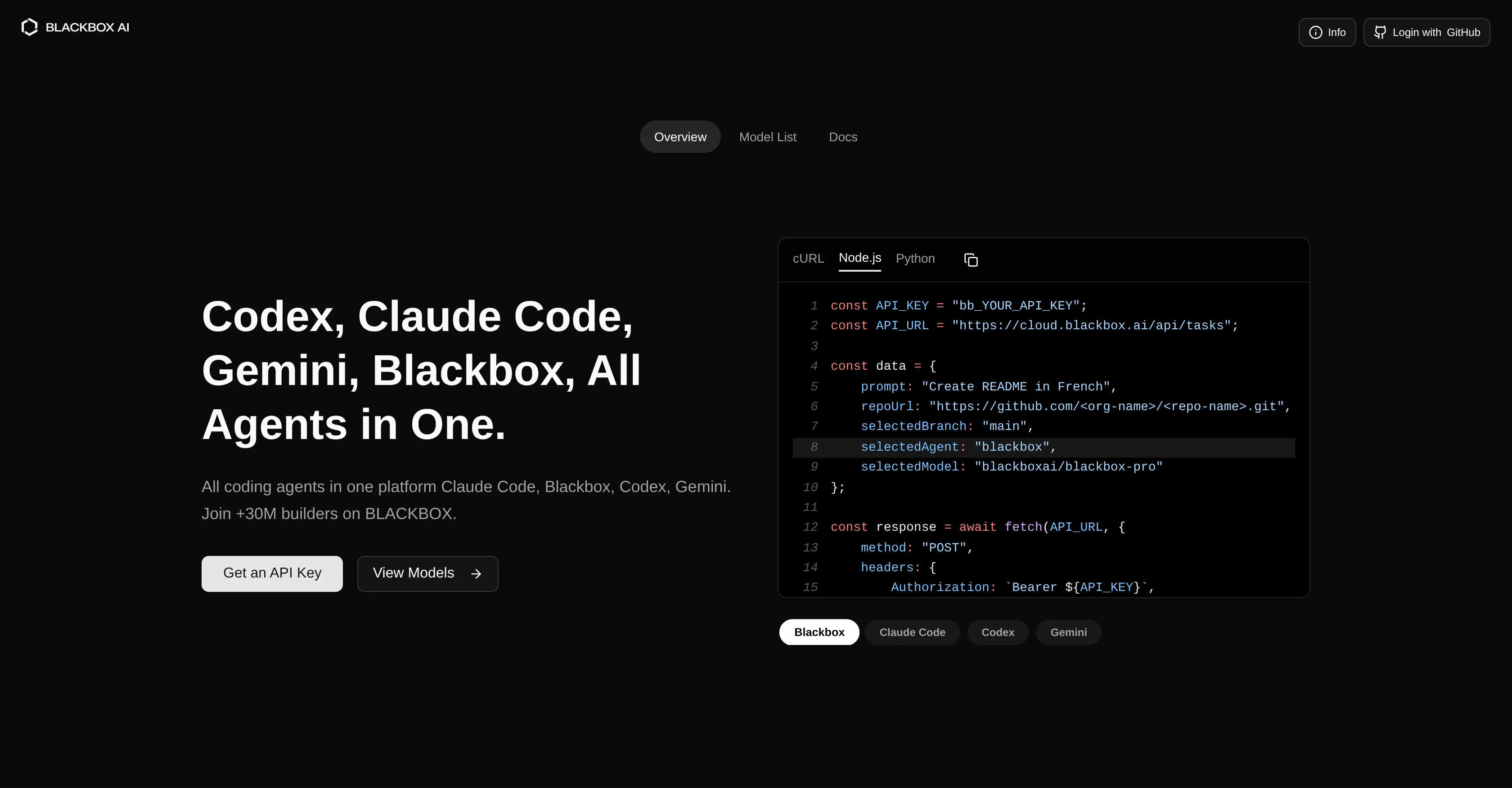
Blackbox AI Free+

Go to useblackbox.io → In the 'Chat' interface, paste any error messages or code snippets that aren't working from your Cursor project. Ask it to debug and fix the issue. Also, paste your working code and ask: 'How can I refactor this to be more efficient or follow best practices?'

Free tier
Yes, free tier available.
Pro / Paid gives
More features, higher limits.
Worth paying?
Free alternative
ChatGPT or Claude can also debug code effectively.
Task for the coding tool:
I'm getting this Flask error: '404 Not Found' when I visit /add. Here's my app.py code: [paste code]. What's wrong? Also, here's my function to delete tasks [paste code]. Can you suggest a cleaner way to write it?
🎨

Step 4: Generate a Simple UI with an AI Website Builder

Durable AI Website Builder Free+

Go to durable.co → Click 'Generate a website' → Describe your project (e.g., 'A simple to-do list app interface with a title, input box, and list display'). Use the AI-generated base, then manually edit the text in the editor to match your app's functionality. Copy the simple HTML/CSS structure to integrate with your Flask app's templates folder.

Free tier
Free trial, then paid.
Pro / Paid gives
Custom domain, removal of branding.
Watermark on free
Likely on free trial
Worth paying?
💡
Free alternative
Manually write basic HTML/CSS or use free Bootstrap templates.
🚀

Step 5: Deploy and Document Your Project

Replit Free+

Go to replit.com → Sign up → Click 'Create Repl' → Choose 'Python' template. Copy and paste your final project code (app.py, templates, etc.) into the Replit files. Click 'Run' to test. Then, use the 'Tools' panel > 'Generate README' or ask the built-in AI to create a project summary. Share the public Repl link as your portfolio piece.

Free tier
Yes, free plan available.
Pro / Paid gives
More powerful compute, private repls.
Worth paying?
Free alternative
Deploy on GitHub Pages (for static sites) or use PythonAnywhere's free tier.
Task for the coding tool:
Help me write a README.md for my Flask to-do app. Include: project title, description, how to run it locally, and the main features I implemented.

Describe your goal — AI will break it into steps and select tools.

Create Pipeline