
Aqua Voice
Creates and edits documents using voice commands and natural language processing for hands-free writing.
Are you the owner?
Claim this tool to publish updates, news and respond to users.
Sign in to claim ownership
Sign InDescription
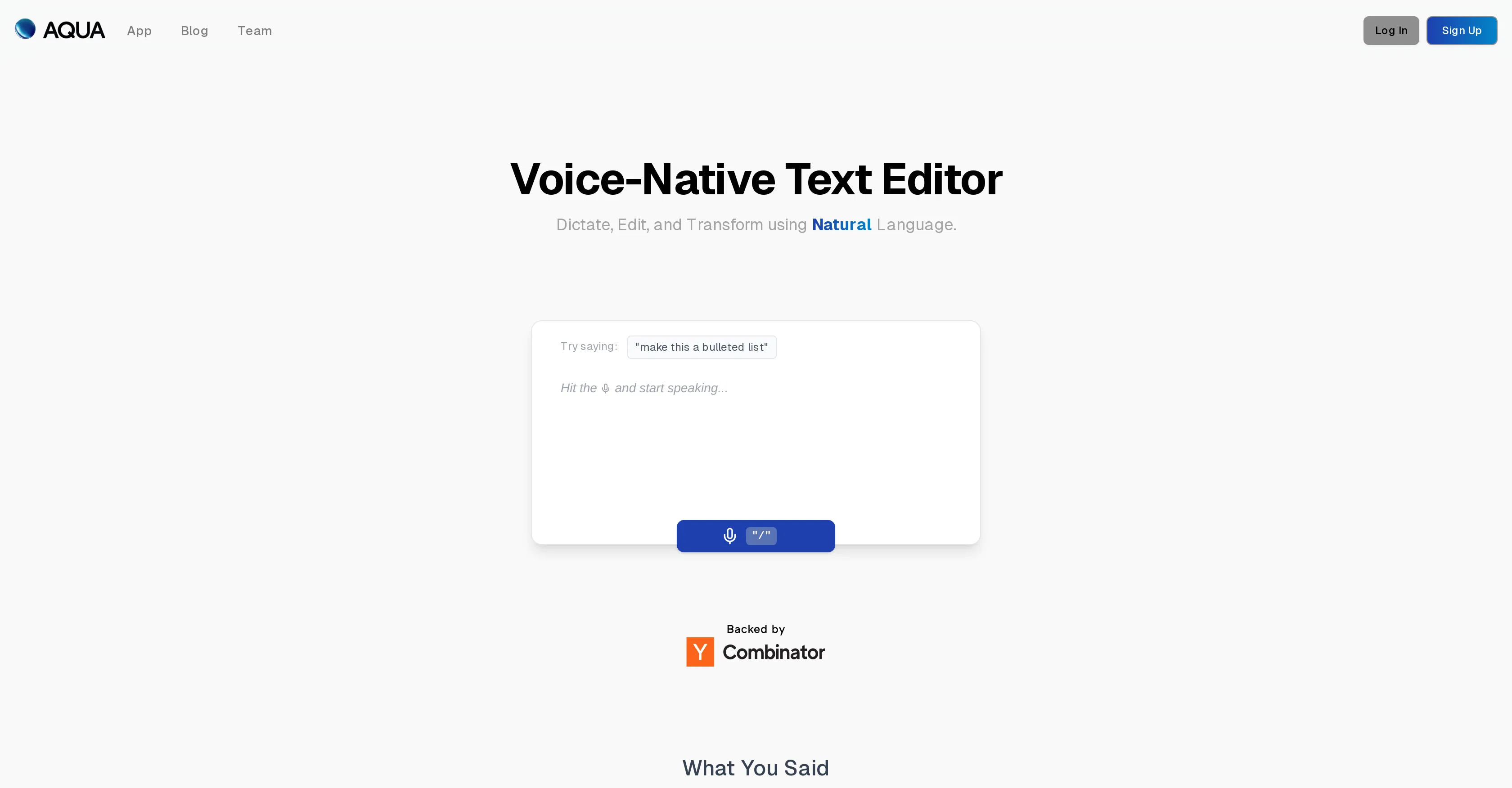
Aqua Voice is a voice-native text editor developed by the team at Aqua, designed to transform the document creation process by making it entirely voice-driven. Its core value lies in enabling users to write, edit, and format text through speech, significantly boosting productivity for those who think aloud or need to capture ideas without typing. This tool moves beyond simple dictation by understanding context and intent, allowing for a more fluid and natural writing experience.
Key features include advanced voice dictation that captures spoken words with high accuracy, natural language commands for editing actions like deleting paragraphs or changing formatting, seamless navigation through documents using voice, and the ability to insert specific elements like lists or quotes through verbal instruction. The editor is built to understand not just words, but the user's commands to manipulate the text structure itself.
What makes Aqua Voice unique is its foundation as a voice-first application, not a typing tool with added voice support. It employs sophisticated natural language processing to interpret editing commands in context, distinguishing between text to be written and instructions to be executed. Technically, it operates as a web application, ensuring broad accessibility without complex installations. While focused on its core editing environment, it allows for the export of documents to standard formats for use in other software.
Ideal for writers, journalists, students, and professionals who want to draft content quickly or have mobility or accessibility needs that make typing difficult. Specific use cases include drafting long-form articles, composing emails or reports hands-free, brainstorming and capturing fleeting ideas verbally, and assisting individuals with repetitive strain injuries or other conditions that limit keyboard use.