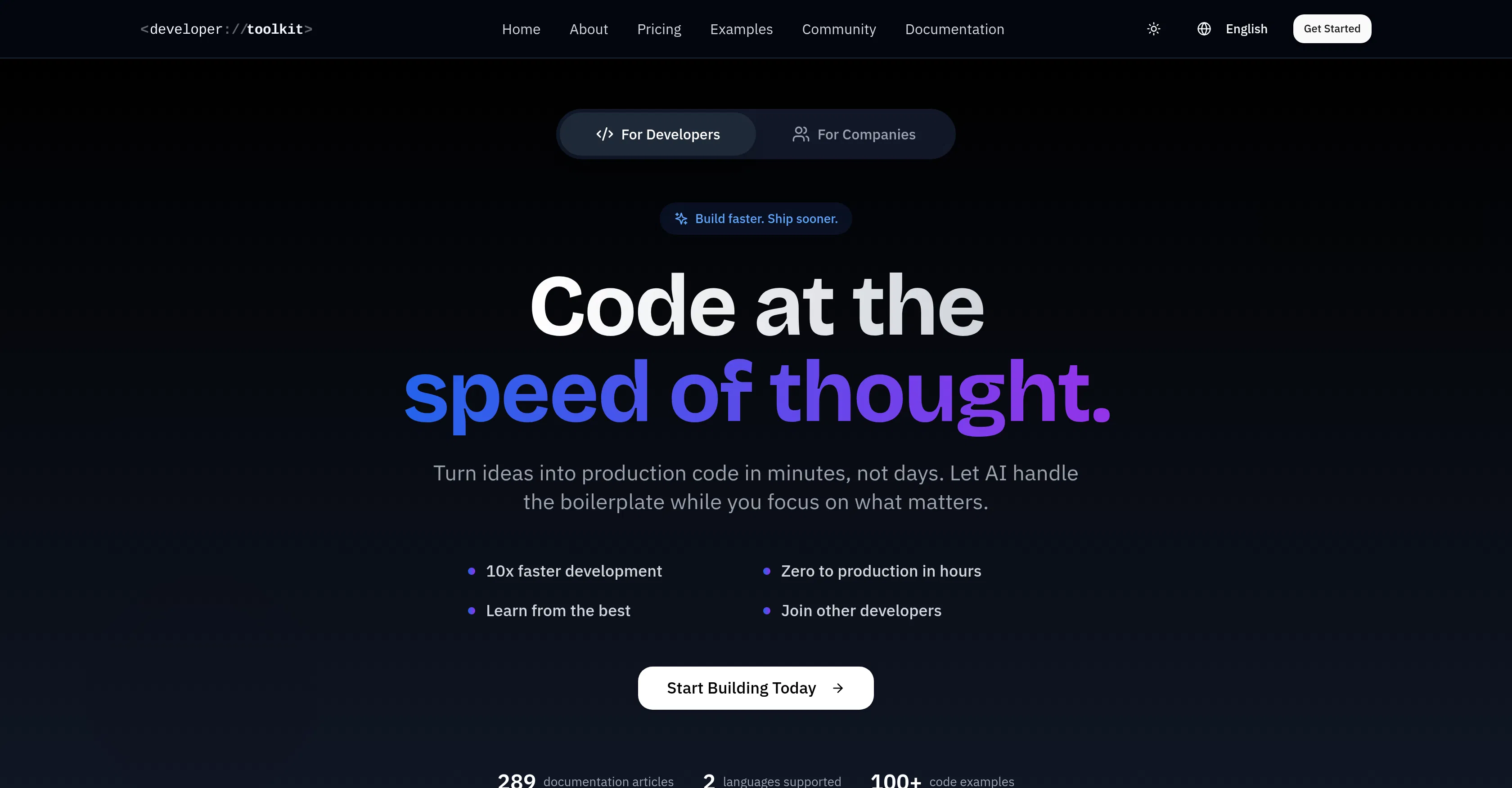
Developer Toolkit
Helps developers integrate AI tools into workflows through step-by-step guides and ready-made workflows.
Are you the owner?
Claim this tool to publish updates, news and respond to users.
Sign in to claim ownership
Sign InDescription
Developer Toolkit is an educational project created for developers who are not early adopters of new technologies, have struggled with using ChatGPT, and don't know where to start with tools like Cursor, Claude Code, or MCP servers. Its main value lies in providing a structured, step-by-step path for effectively integrating artificial intelligence into the development process, minimizing the entry barrier and eliminating the need to navigate the chaotic flow of information independently.
Key features: the project offers detailed and well-thought-out setup guides (opinionated setup guides) that help quickly deploy a working environment. It provides sensible default settings (sane defaults) for popular AI tools, saving time on configuration. A key feature is reproducible workflows that turn a specification (spec) into working code, tests, and documentation. Also in the arsenal is a collection of ready-made templates and scripts for automating routine tasks, integration of best practices from the community, and continuous updating of materials in line with the evolution of the AI coding ecosystem.
A distinctive feature of Developer Toolkit is its exclusively practical and results-oriented focus, unlike general reviews or marketing materials. The project is not another AI assistant or platform, but serves as a bridge between the developer and complex tools. Technically, it is essentially comprehensive documentation accessible via a website, which focuses on integrating existing solutions (mainly local or cloud AI models for programming) into the developer's familiar environment. It does not require installing a separate application, making it easy to start using.
Ideal for experienced developers who want to boost their productivity with AI but are overwhelmed by the variety of options and complexity of initial setup. The project will be useful for team leaders seeking to standardize the approach to using AI tools in their team, and freelancers who need to quickly adapt new technologies to complete projects. Use cases include accelerating code writing and refactoring, automatic test creation, generating documentation from specifications, as well as mastering new frameworks or programming languages with AI assistants.