
Excel Master
Assists with complex Excel formulas and VBA tasks using advanced AI understanding.
Are you the owner?
Claim this tool to publish updates, news and respond to users.
Sign in to claim ownership
Sign InDescription
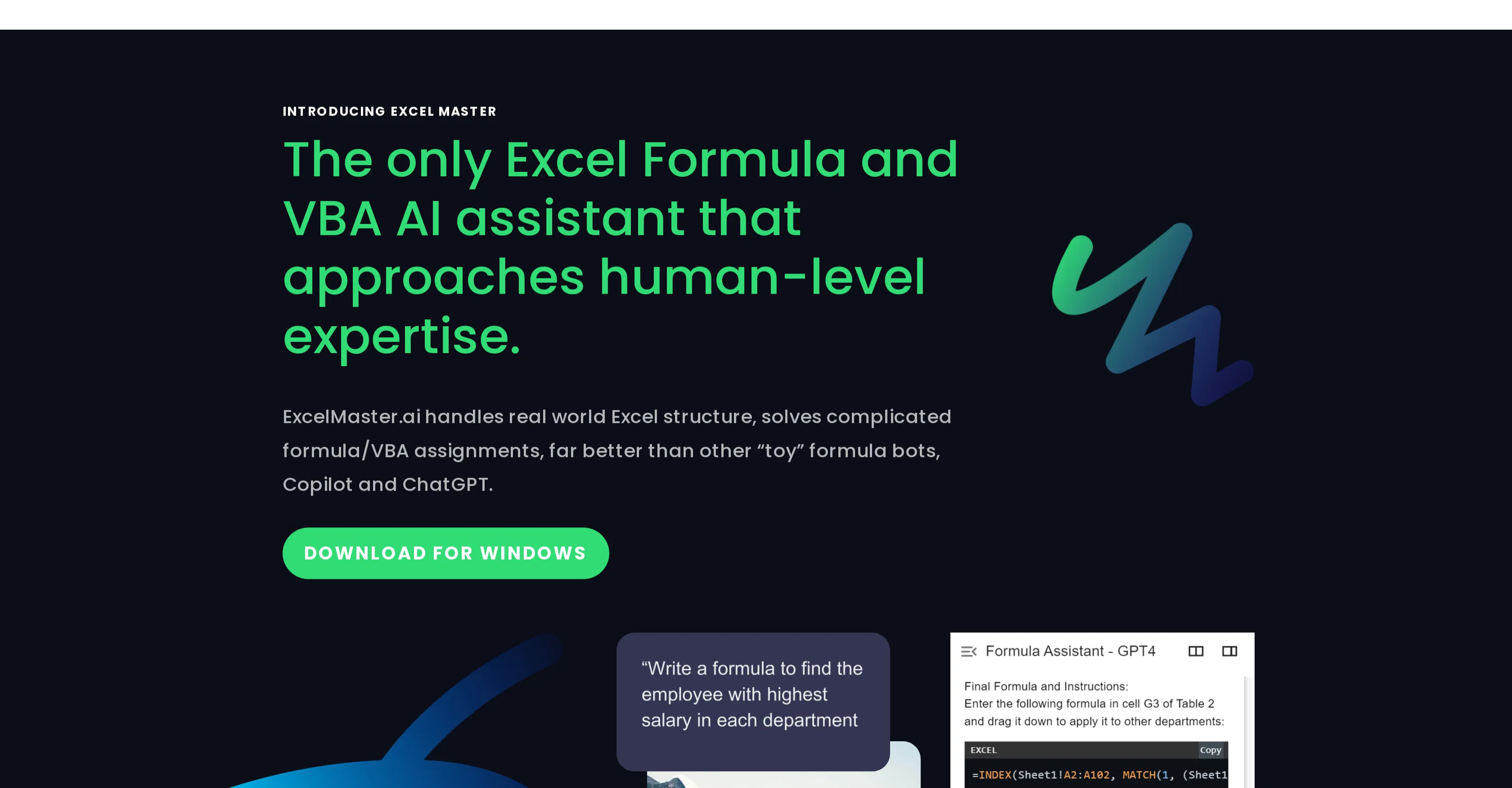
Excel Master is an AI-powered assistant specifically designed for Microsoft Excel, created to tackle the most intricate challenges in spreadsheet management. Its core value lies in providing expert-level guidance for constructing complex formulas and writing Visual Basic for Applications (VBA) code, effectively acting as an on-demand Excel expert that significantly boosts productivity and reduces errors for users of all skill levels.
Key features: The tool can generate, explain, and debug intricate Excel formulas for tasks like multi-criteria lookups, dynamic array operations, and complex financial calculations. It writes and optimizes VBA macros for automation, data processing, and custom function creation. It translates plain English instructions into functional Excel formulas or VBA code, and provides step-by-step explanations for existing spreadsheet logic to aid in learning and troubleshooting.
What makes it unique is its deep, contextual understanding of Excel's logic and syntax, which surpasses generic code assistants. It is built on specialized models trained extensively on spreadsheet-related data, enabling it to grasp nuances like relative vs. absolute references and workbook structure. The platform operates primarily as a web application, allowing users to input their problems directly, and it focuses solely on the Microsoft Excel ecosystem without direct software integrations, functioning as a standalone expert consultant.
Ideal for financial analysts, data scientists, accountants, and business professionals who regularly work with large, complex datasets in Excel and need to automate repetitive tasks. Specific use cases include automating monthly financial reporting dashboards, building custom data validation and cleaning macros, creating sophisticated models for forecasting and analysis, and assisting students or professionals in learning advanced Excel techniques efficiently, saving countless hours of manual formula writing and debugging.