
FocuSee
Automatically generates polished screen recordings with audio and webcam for tutorials, demos, and marketing videos.
Are you the owner?
Claim this tool to publish updates, news and respond to users.
Sign in to claim ownership
Sign InDescription
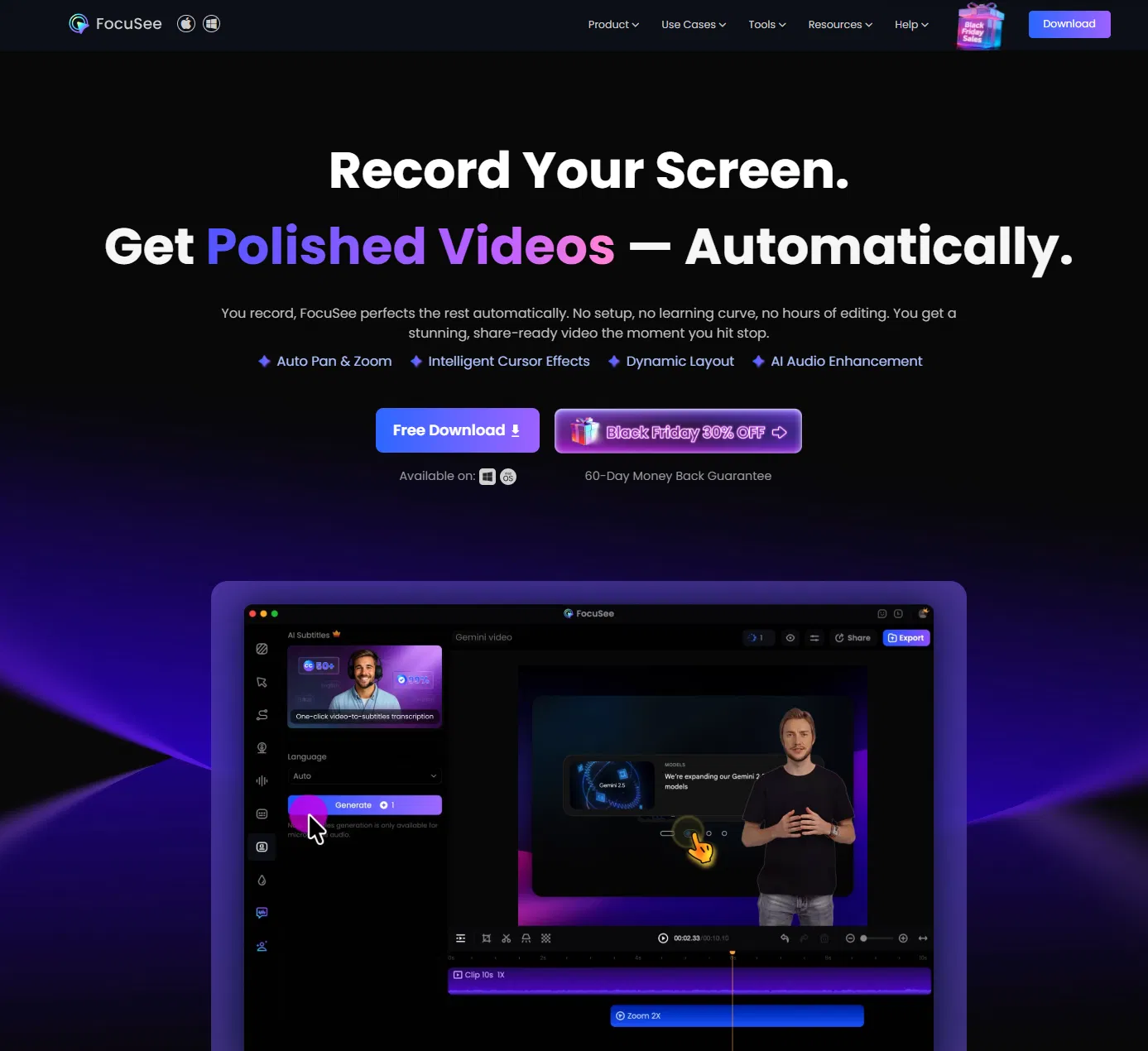
FocuSee is a screen recording and editing tool developed by iMobie that transforms raw screen captures into polished, ready-to-share videos with minimal manual effort. Its core value lies in automating the tedious editing process, allowing creators to focus on content rather than post-production. By capturing screen activity, system audio, microphone input, and webcam footage simultaneously, it provides all the essential elements for creating engaging visual content in a single workflow.
Key features include intelligent auto-editing that analyzes recordings to apply smooth zooms, focus cues, and transitions, effectively highlighting important actions. It offers one-click removal of filler words and pauses to maintain a professional pace, along with automated subtitle generation for accessibility. Users can easily add branded intros, outros, and annotations, and the tool supports direct sharing to platforms like YouTube or export in various formats suitable for different use cases.
What sets FocuSee apart is its emphasis on AI-driven 'smart editing' that significantly reduces the time from recording to final video, distinguishing it from basic screen recorders that require separate editing software. It operates as a desktop application for Windows and Mac, ensuring stable performance for high-quality captures. While primarily a standalone tool, its output integrates seamlessly into standard video workflows. The technical approach focuses on processing the recording timeline to intelligently apply cinematic motion and cuts without user intervention.
Ideal for educators creating online course materials, software developers producing feature demos and bug reports, and marketing teams crafting product tutorials and promotional content. It is equally valuable for customer support teams making instructional guides, freelancers building their portfolio with professional project showcases, and internal teams recording training sessions or meeting summaries. The tool solves the specific pain point of needing video editing skills to produce engaging screen-based content, making professional video creation accessible to non-experts.