INLINER
Creates and edits images using neural networks, including text-to-image generation and expansion.
Are you the owner?
Claim this tool to publish updates, news and respond to users.
Sign in to claim ownership
Sign InDescription
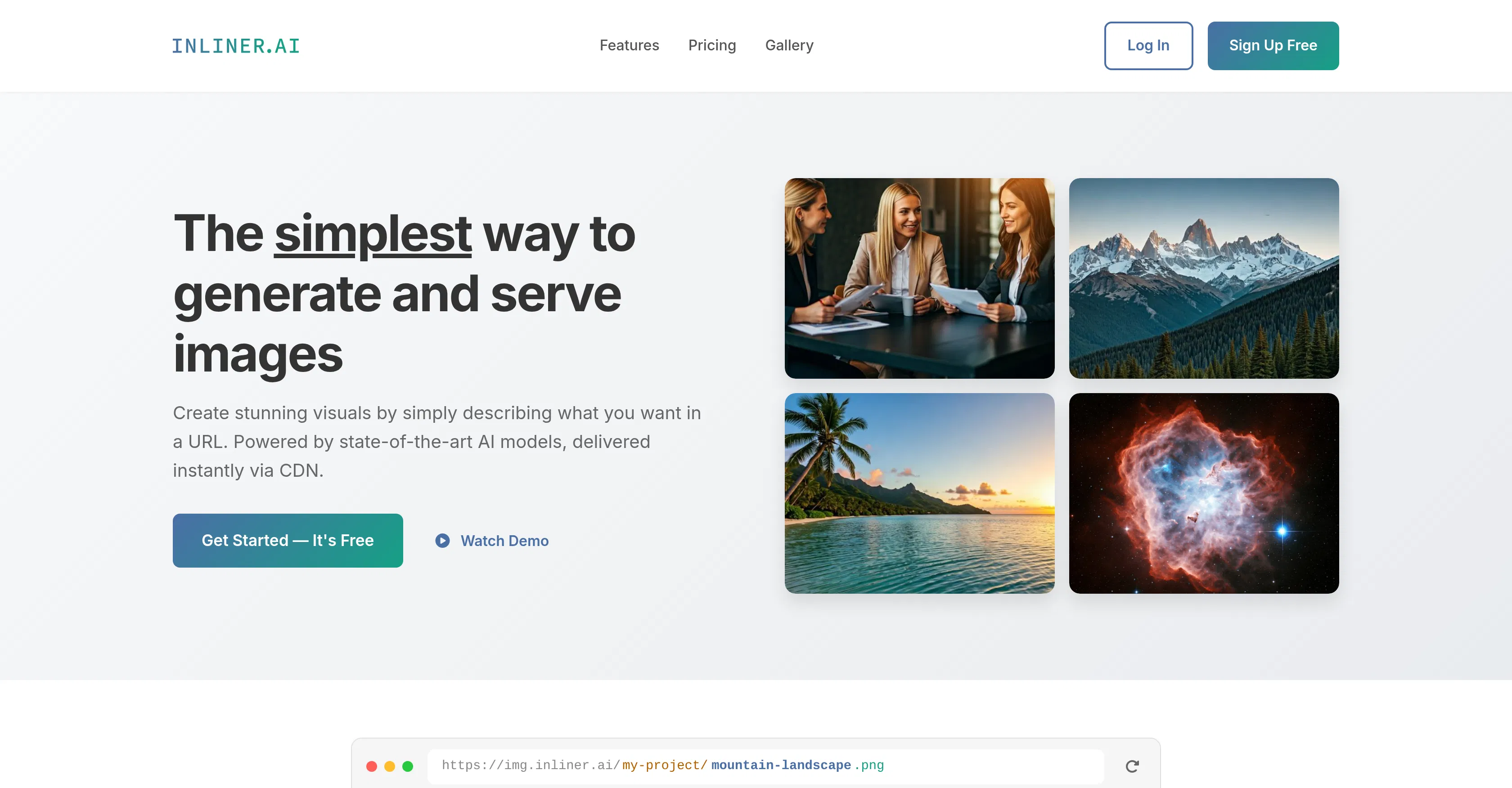
INLINER is an online AI-powered image processing platform developed by the team of the same name. Its main value lies in providing users, even without specialized skills, with a powerful and intuitive set of tools for creating, enhancing, and transforming visual content. The service allows for quickly bringing creative ideas to life, significantly saving time and resources compared to traditional graphic design methods.
Key features include generating unique images from text descriptions (text-to-image), intelligently expanding pictures beyond their original borders (AI Outpainting), removing unwanted objects or people from photos, and increasing image resolution and detail (upscaling). The platform also offers portrait retouching, background changing, and applying various artistic styles to uploaded images. These tools are accessible through a unified web interface.
A distinctive feature of INLINER is its emphasis on simplicity and speed, making complex operations like image expansion or high-quality object removal achievable in just a few clicks. Technically, the service is built on modern generative models that are continuously refined. It operates entirely in the browser, requiring no additional software installation, and supports API integration for developers looking to embed its functions into their applications. This makes it a flexible solution for both one-off tasks and workflow automation.
It is ideal for marketers, content managers, small business owners, and bloggers who need to quickly create unique illustrations for articles, social media, and advertising. The tool is also useful for designers for rapid idea prototyping and retouching, and for regular users for creative projects or enhancing personal photos. Use cases include creating visuals for a post based on its text description, seamlessly expanding landscape photos for wallpapers, removing random passersby from tourist shots, or generating concept art for personal projects.