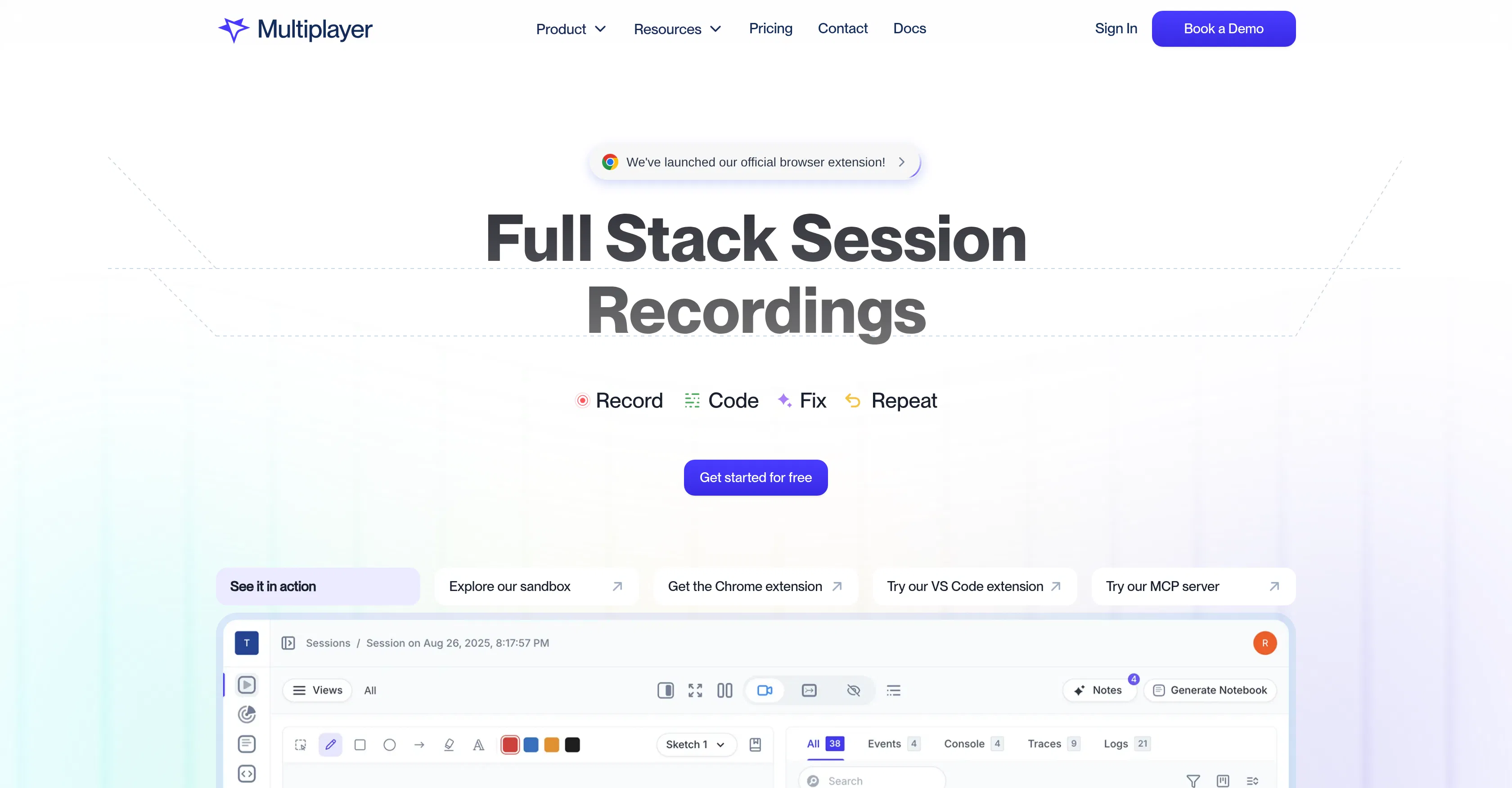
Multiplayer.app
Records full development sessions capturing frontend, backend, logs, and metrics for debugging.
Are you the owner?
Claim this tool to publish updates, news and respond to users.
Sign in to claim ownership
Sign InDescription
Multiplayer.app is a tool for recording full development sessions, created by a team that understands the complexities of debugging in modern distributed applications. Its main value lies in going beyond traditional screencasts that only capture the interface, and instead capturing the entire application stack by synchronizing data from the frontend and backend in a unified temporal context. This allows developers to see the complete picture of what's happening when something goes wrong, saving hours spent searching and correlating logs from different systems.
Key features: recording the entire application stack, including user actions on the frontend, HTTP requests and responses with full headers and bodies, backend traces, logs, and metrics. The tool offers three recording modes: automatic recording triggered by an error, manual session start, and continuous monitoring. All data is automatically enriched and correlated, becoming ready for analysis with built-in AI that helps find root causes of problems. Sessions can be commented on and collaboratively viewed within a team.
The key differentiator of Multiplayer is the depth of data capture and its correlation. While conventional screen recording tools only show visible symptoms, Multiplayer provides access to raw request data, call stacks, and logs, which is critical for debugging complex, microservices-based architectures. The tool works as an agent installed in the application and supports popular frameworks and programming languages such as JavaScript, Python, Java, and others. It integrates with existing monitoring systems and can export data for further analysis.
Ideal for full-stack development teams, site reliability engineers (SREs), and QA engineers working with complex web applications and microservices. The tool is indispensable for reproducing and analyzing elusive bugs that only occur under specific conditions for particular users. It is also useful for onboarding new developers, allowing them to see how the application works internally, and for conducting post-incident retrospectives, providing a complete and objective context of what happened.