
PhotoCat AI Image Extender
Expands and uncrops photo backgrounds using AI while preserving image authenticity and natural appearance.
Are you the owner?
Claim this tool to publish updates, news and respond to users.
Sign in to claim ownership
Sign InDescription
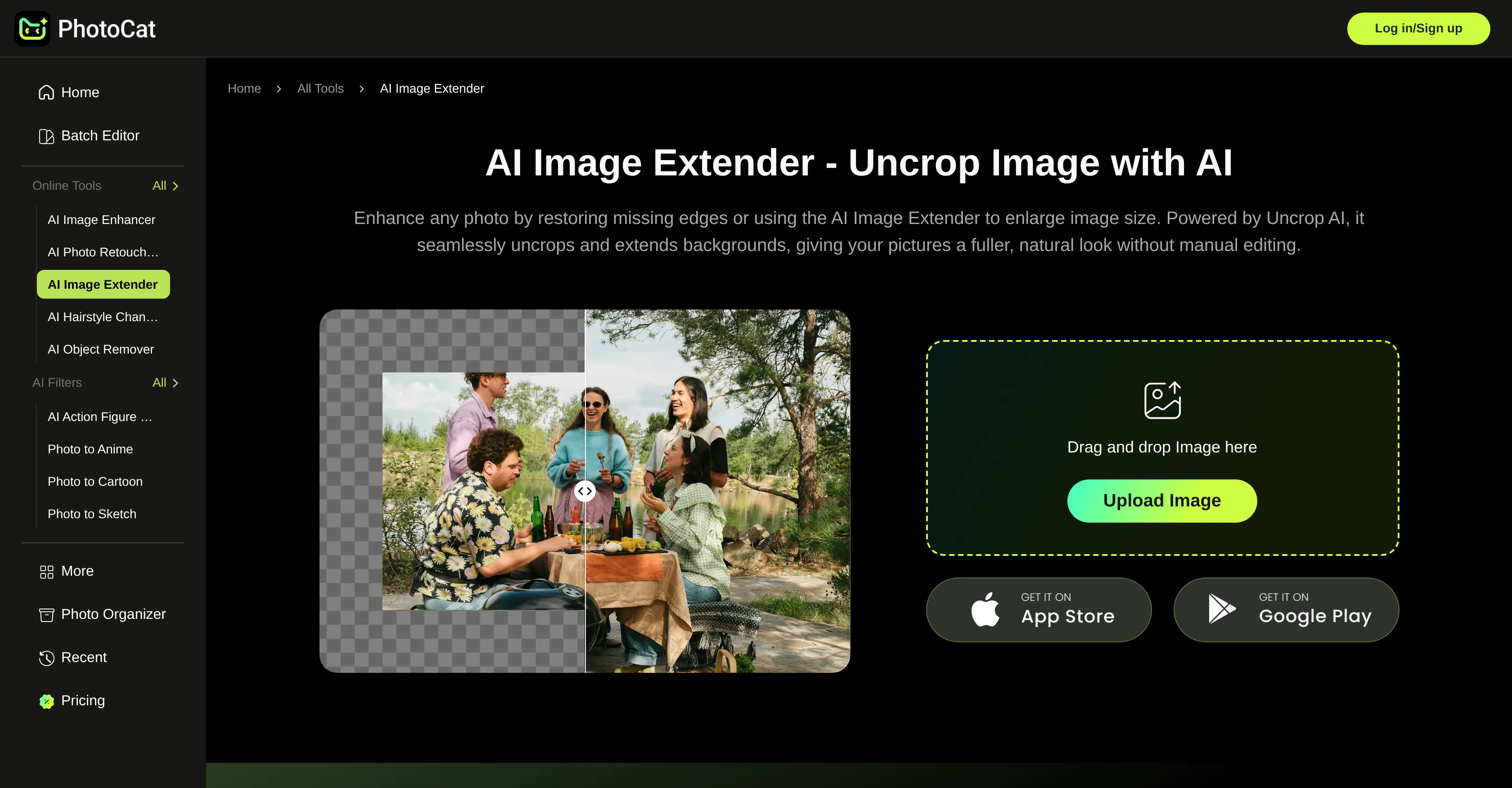
PhotoCat AI Image Extender is an online tool that leverages generative artificial intelligence to seamlessly expand the boundaries of photographs. Developed by the PhotoCat platform, its primary value lies in its ability to intelligently 'uncrop' images, adding realistic background content that blends perfectly with the original scene, thereby offering a powerful solution for photo editing and creative enhancement without the need for complex manual work.
Key features: The tool can extend image backgrounds in any direction, automatically generating coherent visual elements that match the existing style, colors, and textures. It performs in-depth image analysis to understand context and perspective, ensuring the additions look natural and authentic. Users can control the expansion area with simple selections, and the AI processes the request quickly to produce a high-resolution result without any loss in the original image's quality, maintaining fine details throughout the extended areas.
What sets this tool apart is its focus on preserving the original image's integrity; the generative fill technology is specifically tuned to avoid the common pitfalls of AI artifacts or mismatched styles, resulting in extensions that are often indistinguishable from a naturally captured wider shot. It operates entirely online through a web interface, requiring no software installation, and is built to handle various image formats. While it functions as a standalone web app, its simplicity makes it easily integrable into a photographer's or designer's workflow for quick touch-ups.
Ideal for photographers who need to adjust composition after a shoot, social media content creators looking to reformat images for different platforms, e-commerce managers requiring consistent product image backgrounds, and graphic designers needing to extend artwork or mockups. Specific use cases include salvaging a tightly cropped portrait by adding breathing room around the subject, transforming a landscape photo into a panoramic view, or preparing images for print layouts that require specific dimensions.