
PhotoUpscaler
Upscales low-resolution images into high-resolution photos while preserving details and quality.
Are you the owner?
Claim this tool to publish updates, news and respond to users.
Sign in to claim ownership
Sign InDescription
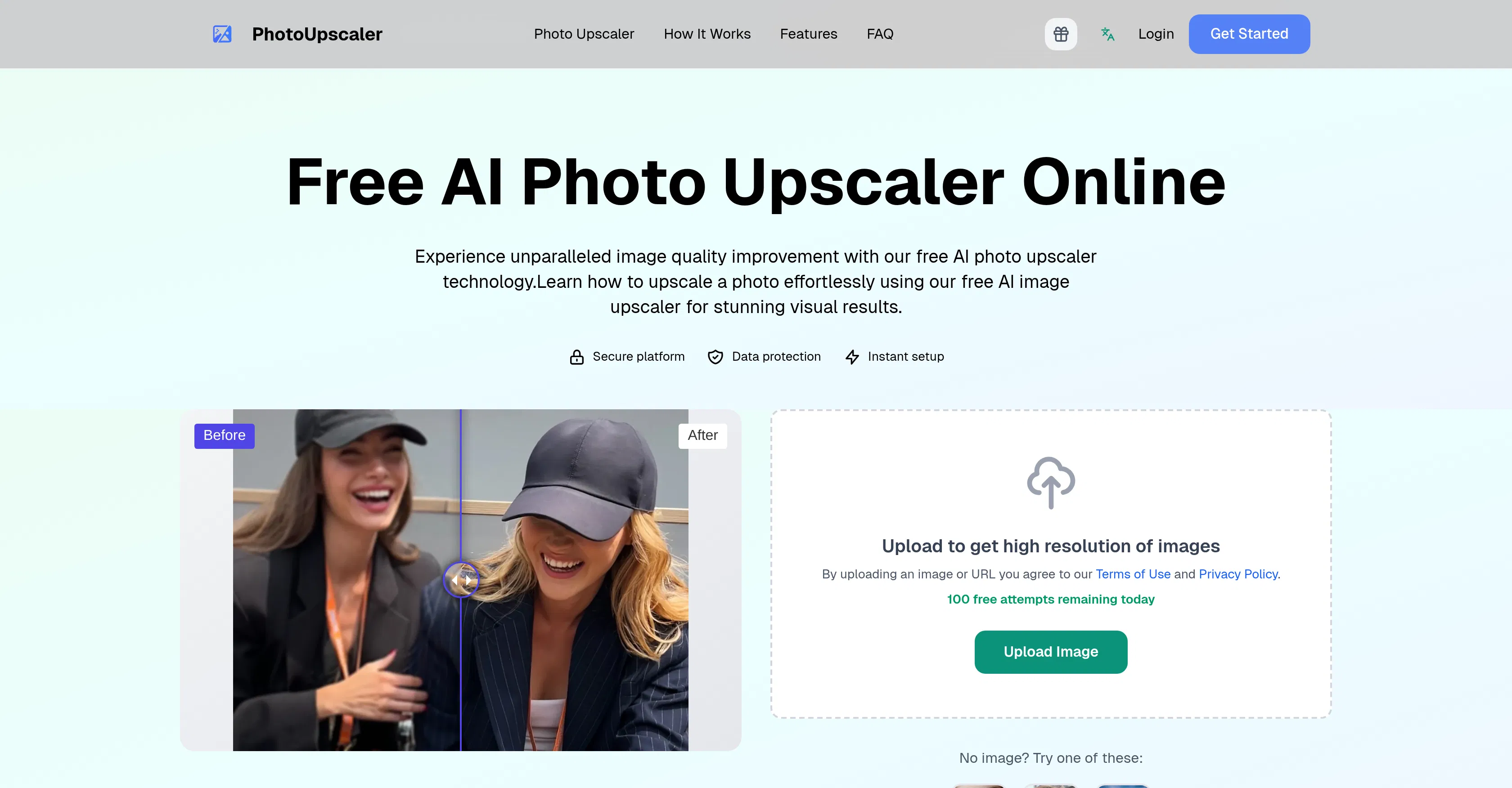
PhotoUpscaler is an AI-powered online tool designed to enhance image quality by intelligently upscaling resolution. It transforms low-resolution, pixelated, or blurry photos into crisp, high-resolution images, making it a valuable asset for photographers, designers, and anyone needing to improve digital visuals. The core value lies in its ability to enlarge images significantly without the typical loss of detail or introduction of artifacts associated with traditional upscaling methods, thereby recovering and enhancing visual information that was previously limited by the original file.
Key features include the ability to upscale images by up to 4x their original dimensions, process photos by direct upload or via a URL link, and support for common formats like JPG and PNG. The AI algorithm is trained to recognize and reconstruct image patterns, textures, and edges, effectively reducing noise and blur while sharpening details. It operates entirely online, requiring no software installation, and provides a straightforward user interface where results can be previewed and downloaded after processing.
What sets PhotoUpscaler apart is its specialized focus on photo realism and detail preservation, using advanced deep learning models specifically optimized for photographic content rather than generic graphics. The technical process involves analyzing the image data to predict and generate new, high-fidelity pixels that match the original scene's texture and lighting. It is a web-based platform with no announced integrations, positioning it as a dedicated, single-purpose tool accessible from any modern browser without platform restrictions.
Ideal for photographers needing to enlarge old or low-res shots for printing, e-commerce managers improving product image quality for online listings, and digital archivists restoring historical photos. It is also practical for social media creators who want to enhance screenshots or web images for content, and for general users looking to improve the clarity of personal photos before sharing or framing, offering a simple solution to a common digital imaging problem.