Pullsy
Automates email labeling, sorting, and drafting to boost productivity in Gmail and Outlook.
Are you the owner?
Claim this tool to publish updates, news and respond to users.
Sign in to claim ownership
Sign InDescription
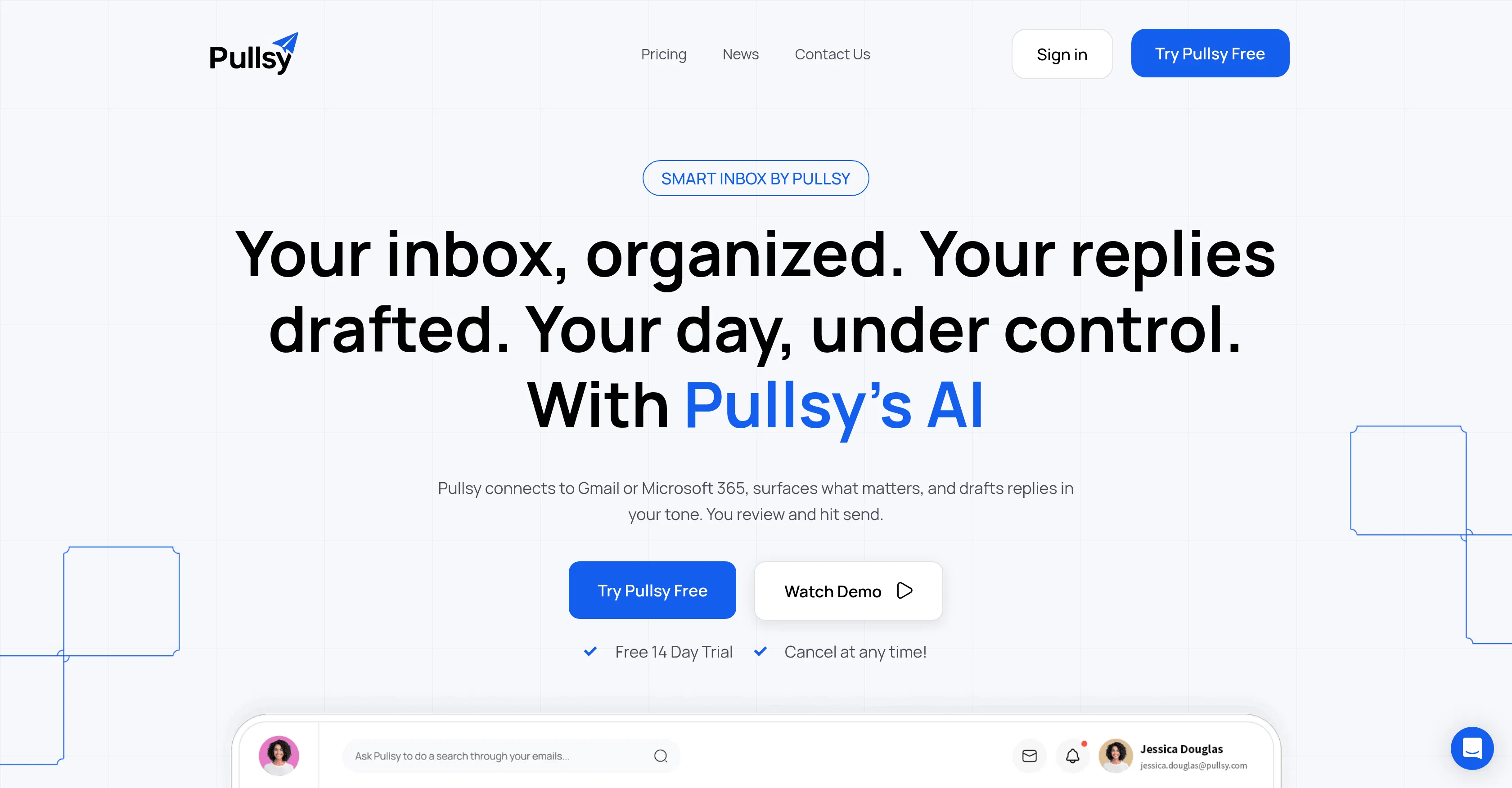
Pullsy is an AI-powered email assistant developed to significantly enhance email productivity by intelligently managing inbox chaos. Created by a team focused on workflow automation, its core value lies in drastically reducing the daily time and mental energy spent on email triage, allowing users to focus on high-priority communication and substantive work instead of administrative overhead.
Key features: The tool automatically applies smart labels and categories to incoming emails based on content, sender, and context. It can sort messages into predefined or custom folders, effectively acting as a personal inbox organizer. Pullsy assists in drafting quick, context-aware email replies and follow-ups. It also provides intelligent reminders for important emails that require attention and can summarize lengthy email threads to deliver the key points instantly.
What makes Pullsy unique is its deep integration and seamless operation directly within popular email platforms like Gmail and Outlook, requiring no disruptive switching between applications. The underlying technology focuses on understanding user-specific email patterns and preferences over time, offering a personalized management system rather than a one-size-fits-all filter. It operates with a strong emphasis on data privacy, processing information locally where possible and using secure connections for cloud-based analyses.
Ideal for professionals, entrepreneurs, and teams inundated with high email volume, such as sales representatives managing client inquiries, project coordinators handling multiple stakeholder threads, and executives needing to prioritize strategic communication. Specific use cases include automatically sorting customer support tickets, categorizing newsletter subscriptions separately from urgent work emails, and generating first drafts of routine responses to common queries, thereby streamlining daily communication workflows.