
SVGStud.io
Creates and customizes scalable vector graphics (SVG) directly in the browser with a user-friendly interface.
Are you the owner?
Claim this tool to publish updates, news and respond to users.
Sign in to claim ownership
Sign InDescription
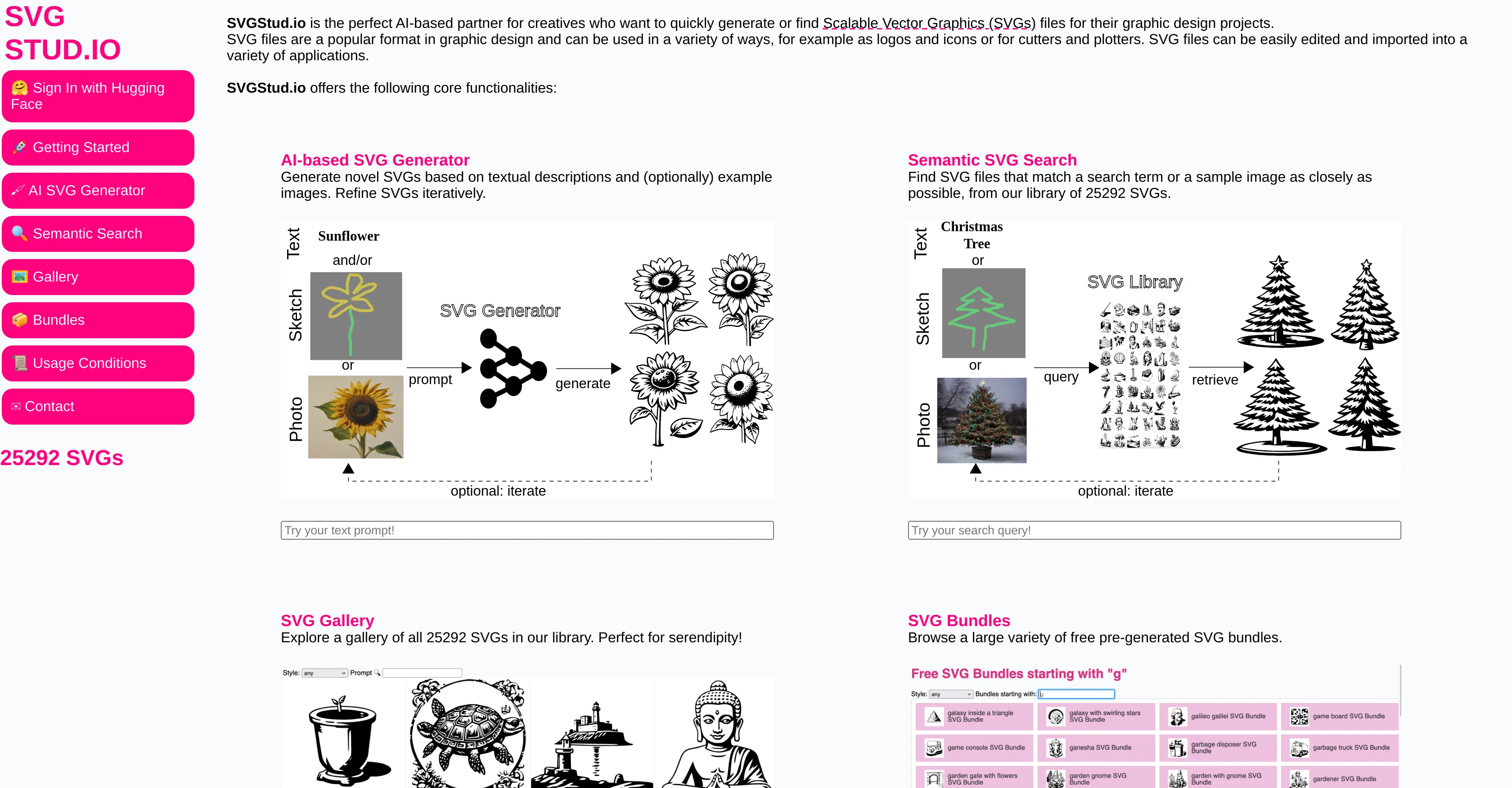
SVGStud.io is a web-based editor specifically designed for creating and manipulating Scalable Vector Graphics (SVG). Developed as a freemium tool, its primary value lies in providing an accessible, no-installation-required platform for designers and developers to work with the versatile SVG format directly within their browser, eliminating the need for complex desktop software for many common tasks.
Key features: The editor allows users to draw basic shapes, create complex paths with the pen tool, and apply gradients, patterns, and filters for visual effects. It supports precise layer management, object grouping, and alignment tools for organized design workflows. Users can directly edit the underlying SVG code in a live preview pane, enabling both visual design and manual code tweaking. The platform also includes utilities for optimizing SVG code to reduce file size and for converting raster images (like PNG or JPG) into vector paths through a built-in tracing function.
What makes SVGStud.io unique is its tight integration of a visual editor with a real-time code view, catering to both designers who prefer a graphical interface and developers who need fine-grained control over SVG attributes and structure. It is a purely web-based application, requiring no plugins and running on any modern browser. While it doesn't offer deep integrations with other platforms, its output—clean, standard SVG code—can be easily embedded into websites, used in design software, or imported into development environments like React or Vue.js projects.
Ideal for web designers needing to quickly prototype icons or interface elements, front-end developers who require a tool to inspect and modify SVG assets without leaving their coding environment, and educators or students learning the fundamentals of vector graphics and SVG syntax. Specific use cases include creating custom logos, designing simple illustrations for blogs or presentations, optimizing existing SVG files for web performance, and preparing icon sets for web or mobile applications where scalability and small file size are critical.