
Scanned.to
Converts scanned documents and PDFs into editable Word or Text files while preserving the original layout.
Are you the owner?
Claim this tool to publish updates, news and respond to users.
Sign in to claim ownership
Sign InDescription
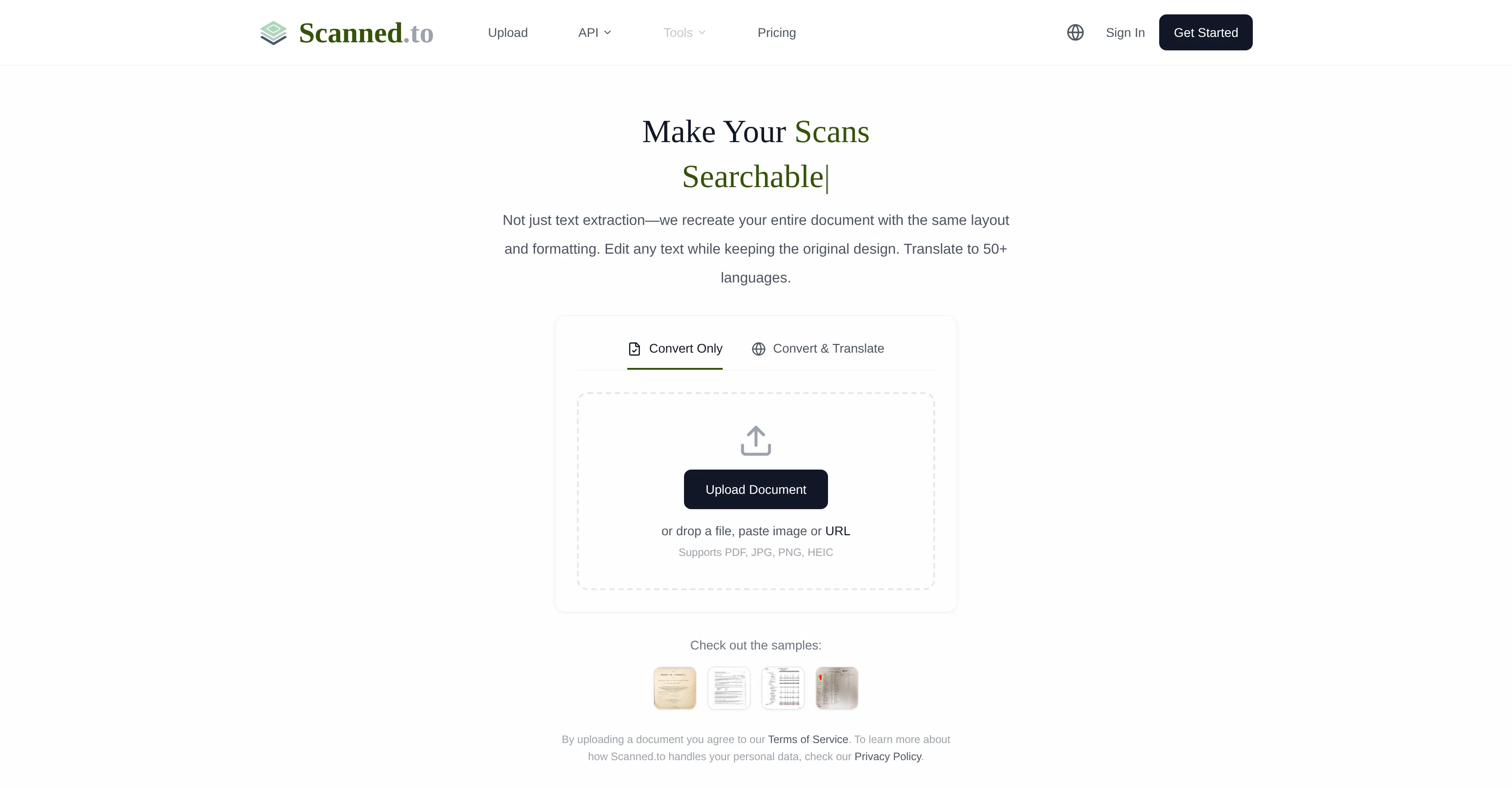
Scanned.to is an advanced AI-powered service that utilizes Optical Character Recognition (OCR) technology to transform scanned documents and PDFs into fully editable formats like Microsoft Word or plain text. Developed to address the common challenge of digitizing physical or image-based documents, its core value lies in not just extracting text but intelligently reconstructing the entire document's structure, making it a powerful tool for professionals and individuals who need to work with archival or printed materials.
Key features: The service accurately recognizes text from various scanned sources, including multi-page documents and image-heavy PDFs. It excels at preserving the original formatting, such as fonts, tables, columns, and page layout, during the conversion process. Users can choose output formats like .docx or .txt based on their editing needs. The platform supports batch processing for multiple files at once, significantly improving workflow efficiency. It also handles documents in multiple languages, broadening its applicability for international users.
What sets Scanned.to apart is its focus on layout fidelity; it goes beyond basic OCR to recreate a document that visually and structurally matches the original, which is crucial for legal, academic, or business documents where formatting is key. The tool is web-based, requiring no software installation, and operates through a simple upload-and-download interface. While specific API details for integration are not publicly emphasized, its core functionality is designed for direct user interaction via its website, ensuring accessibility from any device with a browser.
Ideal for students needing to digitize and annotate textbook excerpts, administrative assistants converting paper records into editable digital archives, researchers working with scanned historical documents, and legal professionals who must edit contracts or forms originally received as PDF scans. It is equally useful for any individual looking to modernize a filing cabinet of old documents without manually retyping their contents, saving considerable time and reducing errors.