
Sketch2App
Generates UI code from hand-drawn sketches to accelerate mobile app development.
Are you the owner?
Claim this tool to publish updates, news and respond to users.
Sign in to claim ownership
Sign InDescription
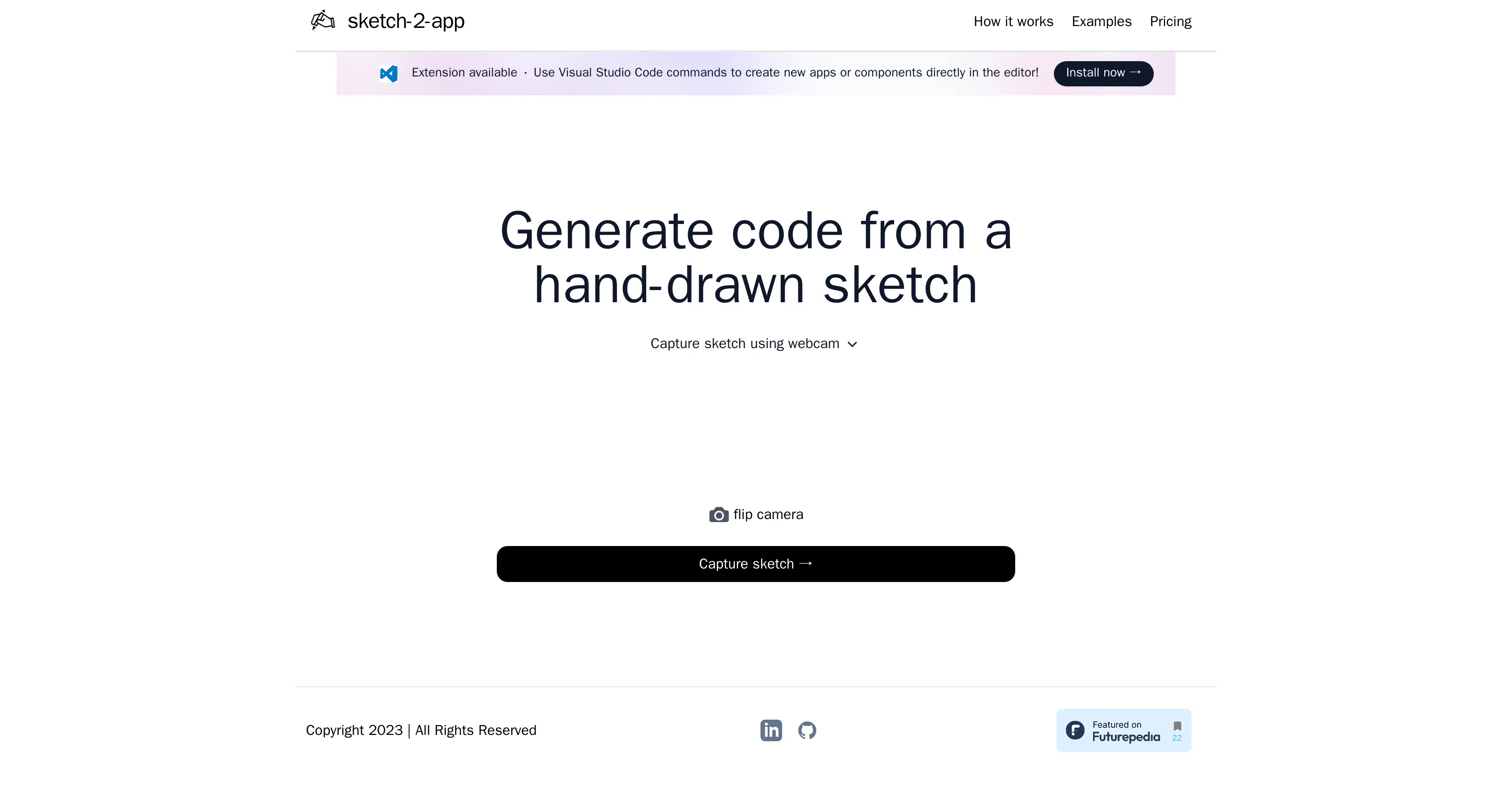
Sketch2App is an innovative tool that transforms hand-drawn sketches into functional, boilerplate UI code for mobile applications. Developed to automate a significant portion of the front-end development process, its primary value lies in drastically reducing the time and effort required to translate initial design concepts into working prototypes. By bridging the gap between conceptual sketching and technical implementation, it empowers developers and designers to iterate faster and validate ideas more efficiently.
Key features include the ability to upload a sketch image and receive clean, structured code in return, supporting popular frameworks like React Native. The tool analyzes the sketch's layout, recognizes UI components such as buttons, text fields, and lists, and maps them to corresponding code elements. It provides editable output, allowing developers to customize the generated code, and can handle various sketch complexities, from simple wireframes to more detailed interface drafts.
What sets Sketch2App apart is its focus on the very earliest stage of the design-to-development pipeline, specifically targeting hand-drawn input rather than polished digital designs. Technically, it leverages computer vision and machine learning models trained to interpret the informal lines and annotations of a sketch. It operates as a web-based platform, requiring no local installation, and is designed for seamless integration into a developer's existing workflow, outputting code that serves as a direct foundation for further development.
Ideal for mobile app developers, UI/UX designers, and product managers who need to quickly prototype ideas. Specific use cases include rapidly creating a proof-of-concept from a whiteboard session, generating a starting codebase for a new project feature, or enabling non-technical team members to contribute more tangibly to the development process by visualizing their sketches as interactive elements.