
Text2Color for Canva
Picks colors for Canva designs using natural language descriptions via an AI-powered extension.
Are you the owner?
Claim this tool to publish updates, news and respond to users.
Sign in to claim ownership
Sign InDescription
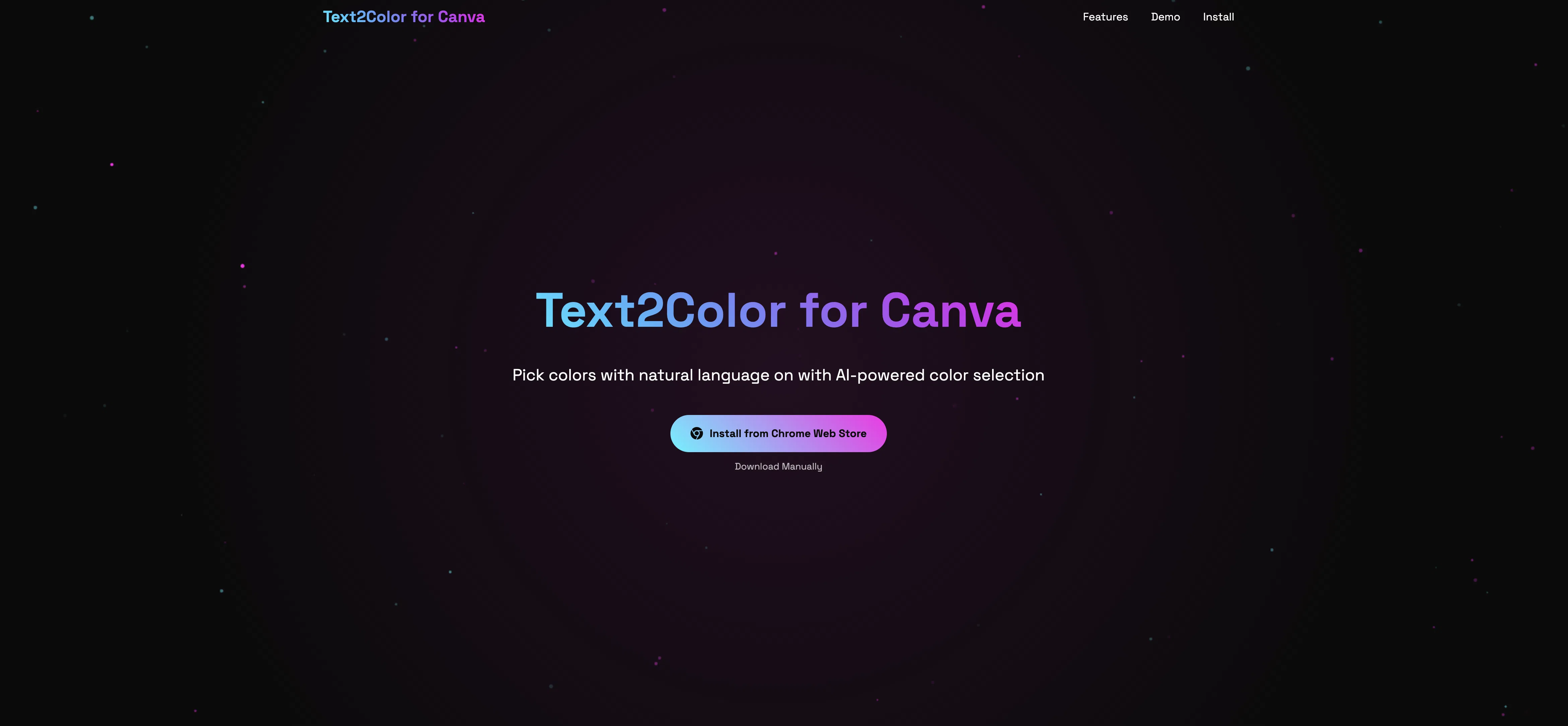
Text2Color for Canva is an AI-powered browser extension that transforms color selection by interpreting natural language inputs, allowing designers to find the perfect hues by simply describing them. Developed to integrate directly into the Canva platform, its primary value lies in dramatically speeding up the design workflow and eliminating the guesswork from manual color picking, making professional color schemes accessible to users of all skill levels.
Key features: The tool enables users to input descriptive phrases like 'sunset orange' or 'calm ocean blue' to receive instant color suggestions. It generates harmonious color palettes based on a single selected color or a descriptive prompt. The extension provides hex codes for precise color application within Canva. It allows for quick saving of favorite palettes for future projects. Users can explore trending color combinations curated by the AI. The tool also offers subtle variations of a chosen color for fine-tuning designs.
What makes Text2Color unique is its deep, seamless integration as a sidebar within the Canva editor itself, requiring no context switching. It utilizes advanced natural language processing and color theory models to translate abstract concepts into specific RGB/HEX values. The technology is built specifically for the Canva ecosystem, ensuring perfect compatibility. It operates as a lightweight browser extension, making it instantly available without complex installations, and focuses purely on enhancing the color discovery phase of the design process.
Ideal for graphic designers, social media managers, marketers, educators, and small business owners who regularly create visual content in Canva and seek to improve their design's visual appeal efficiently. Specific use cases include quickly branding a presentation with a described mood, finding complementary colors for a product mockup, generating a consistent palette for a series of social media posts, or helping non-designers confidently choose professional-looking colors for their projects.