
WritingMate
Integrates ChatGPT directly into your Chrome browser to assist with writing, summarizing, and replying across any website.
Are you the owner?
Claim this tool to publish updates, news and respond to users.
Sign in to claim ownership
Sign InDescription
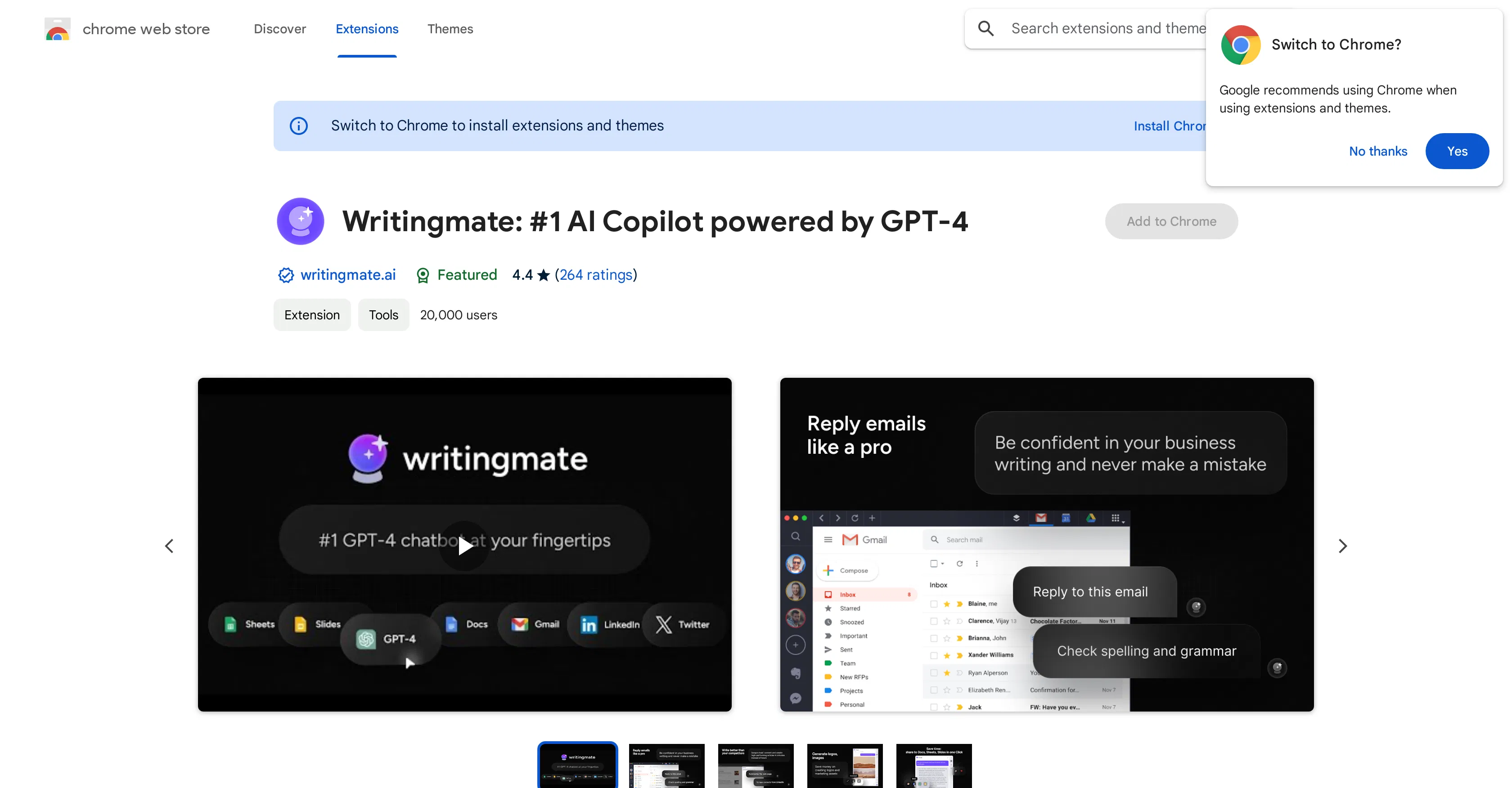
WritingMate is a browser extension that brings the power of OpenAI's ChatGPT directly into the Google Chrome interface, enabling users to access AI assistance without leaving their current webpage. Developed by BrowseGPT AI, its core value lies in dramatically accelerating and improving the quality of online writing, research, and communication tasks by providing instant, context-aware AI support wherever you work on the web. It eliminates the constant need to switch tabs to a separate AI chat interface, creating a seamless and integrated workflow.
Key features: The tool allows users to generate, rewrite, or expand text directly within any text field, including emails, social media posts, and document editors. It can summarize lengthy articles or webpage content with a single click, extracting key points instantly. The extension facilitates quick and polished replies to comments, messages, and forum posts. It also offers translation between languages and can explain complex concepts found online in simpler terms, all from a convenient sidebar or pop-up menu.
What makes WritingMate unique is its deep integration with the browser's native functions; it can read the content of the current tab to provide relevant suggestions and operate on selected text. Technically, it acts as a front-end client for the ChatGPT API, requiring users to provide their own OpenAI API key for full functionality, though it may offer limited free queries. It is exclusively a Chrome extension (or compatible Chromium-based browsers like Edge or Brave), focusing on a lightweight, non-intrusive design that prioritizes speed and convenience over a standalone application's feature bloat.
Ideal for content creators, marketers, students, researchers, and professionals who spend significant time writing and communicating online. Specific use cases include drafting professional emails and LinkedIn posts, quickly understanding research papers or news articles, engaging effectively in online discussions and customer support, and overcoming writer's block while composing blog posts or documentation directly in web-based editors like Google Docs or Notion.