
EchoWrite
Transcribes speech into structured text in real-time across any Windows application using AI-powered dictation.
Are you the owner?
Claim this tool to publish updates, news and respond to users.
Sign in to claim ownership
Sign InDescription
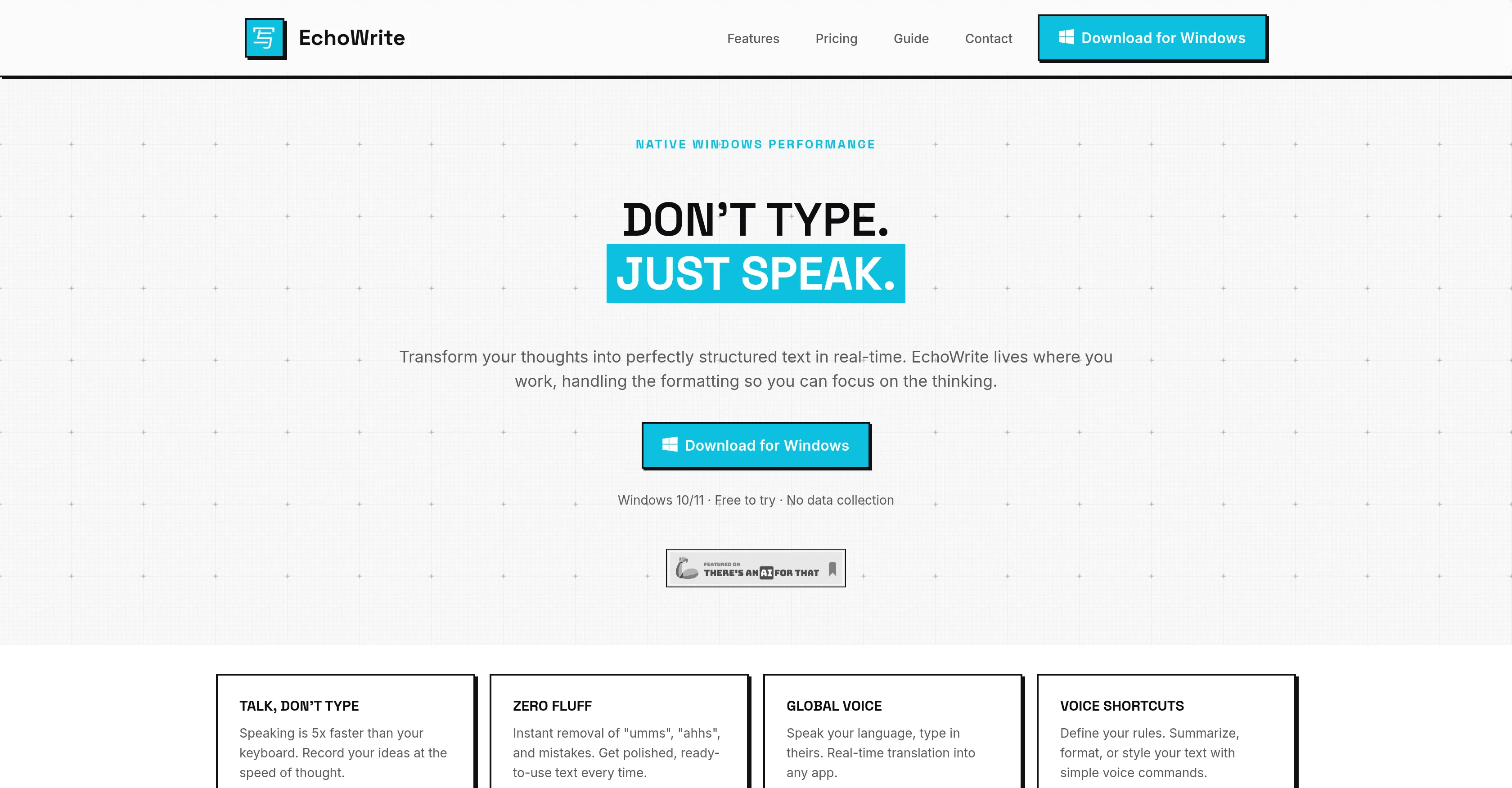
EchoWrite is an AI-powered voice dictation software for Windows, developed to seamlessly convert spoken language into organized text directly within any application on the platform. It leverages OpenAI's advanced Whisper automatic speech recognition system to provide users with a highly accurate, real-time transcription service that effectively captures thoughts, notes, and commands without interrupting workflow. The primary value lies in its ability to boost productivity for individuals who prefer speaking over typing, offering a hands-free method to generate text content, manage documents, and control software interfaces through voice alone.
Key features include real-time transcription with minimal latency, support for dictation into any active Windows application window, offline processing capabilities for enhanced privacy, and customizable voice commands for executing common tasks like formatting or navigation. The software also offers punctuation and formatting automation based on speech patterns, along with multi-language recognition to accommodate a diverse user base, making it a versatile tool for content creation and administrative work.
What sets EchoWrite apart is its dedicated integration with the Windows ecosystem, operating as a system-wide utility rather than a confined application, which allows for unprecedented flexibility. Technically, it utilizes the robust Whisper model, known for its accuracy in various accents and noisy environments, and can function without a constant internet connection after initial setup. It is specifically designed for Windows 10 and 11, with no direct integrations beyond the OS-level accessibility, focusing purely on delivering a reliable, low-latency dictation experience that feels native to the platform.
Ideal for writers, journalists, students, and professionals with repetitive strain injuries or disabilities that make typing challenging, as well as for busy executives needing to draft emails or reports quickly. Specific use cases include transcribing interviews, composing long-form documents like articles or essays, filling out forms and spreadsheets hands-free, and providing an accessibility tool for individuals with motor impairments to operate their computers more efficiently through voice commands and dictation.