Guideless
Turns browser workflows into AI-narrated video guides without screen recording or editing.
Are you the owner?
Claim this tool to publish updates, news and respond to users.
Sign in to claim ownership
Sign InDescription
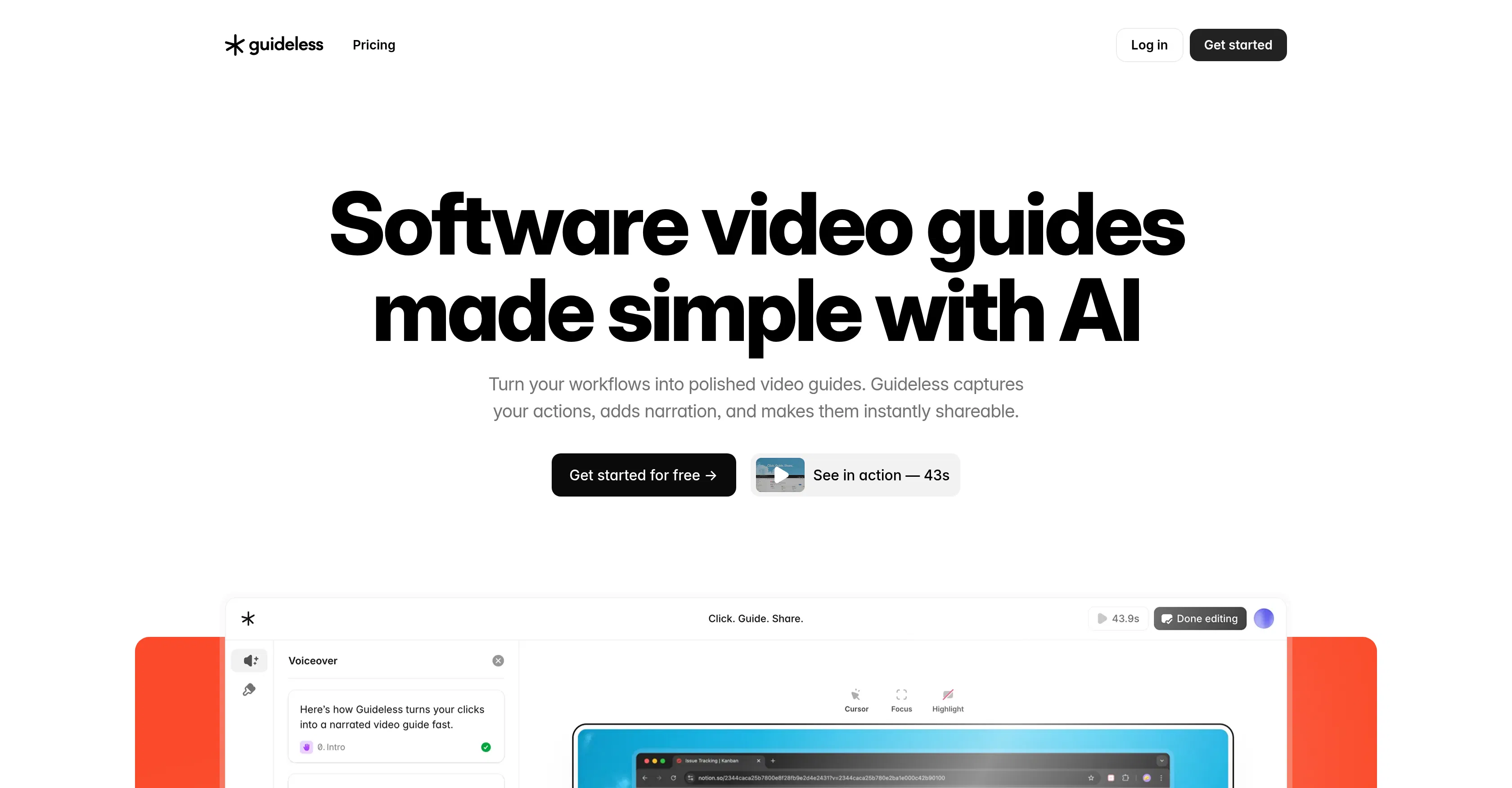
Guideless is a specialized AI tool that transforms any standard browser-based workflow into a polished, narrated video tutorial in minutes. Created to eliminate the complexity of traditional guide creation, its core value lies in allowing anyone to produce professional instructional content directly from their normal web navigation, requiring no prior video production skills. It fundamentally changes how teams document processes, onboard users, or share knowledge by making the creation of visual guides as simple as browsing the web itself.
Key features: The tool operates via a Chrome extension that captures user interactions like clicks, scrolls, and text input during a live workflow session. It automatically generates a step-by-step video from this session, complete with visual highlights and a synchronized AI voiceover that narrates the actions. Users can edit the generated guide by trimming steps, adding text annotations, or customizing the narration script. The final output is a share-ready video file or a hosted link that can be embedded in help centers, support tickets, or training materials.
What makes Guideless unique is its complete avoidance of traditional screen recording software and post-production editing. The technology intelligently interprets browser events to create a clean, focused visual reconstruction of the process, rather than a raw screen capture with potential clutter or private information. This results in smaller file sizes, faster production, and more professional-looking guides. It is currently available as a browser extension for Chrome-based browsers, with outputs easily downloadable or shareable via cloud links, integrating seamlessly into modern digital workflows for support, education, and internal operations.
Ideal for product managers, customer success teams, and educators who need to create clear software demonstrations or onboarding materials quickly. Specific use cases include creating product walkthroughs for new features, developing customer onboarding sequences for SaaS platforms, producing internal training videos for software procedures, and generating visual bug reports or support documentation that clearly shows reproduction steps. It is particularly valuable for remote teams and anyone responsible for scaling knowledge transfer without increasing production time or resource investment.