Helper.im
Provides seamless desktop access to ChatGPT for entrepreneurs, developers, and marketers to integrate AI into daily workflows.
Are you the owner?
Claim this tool to publish updates, news and respond to users.
Sign in to claim ownership
Sign InDescription
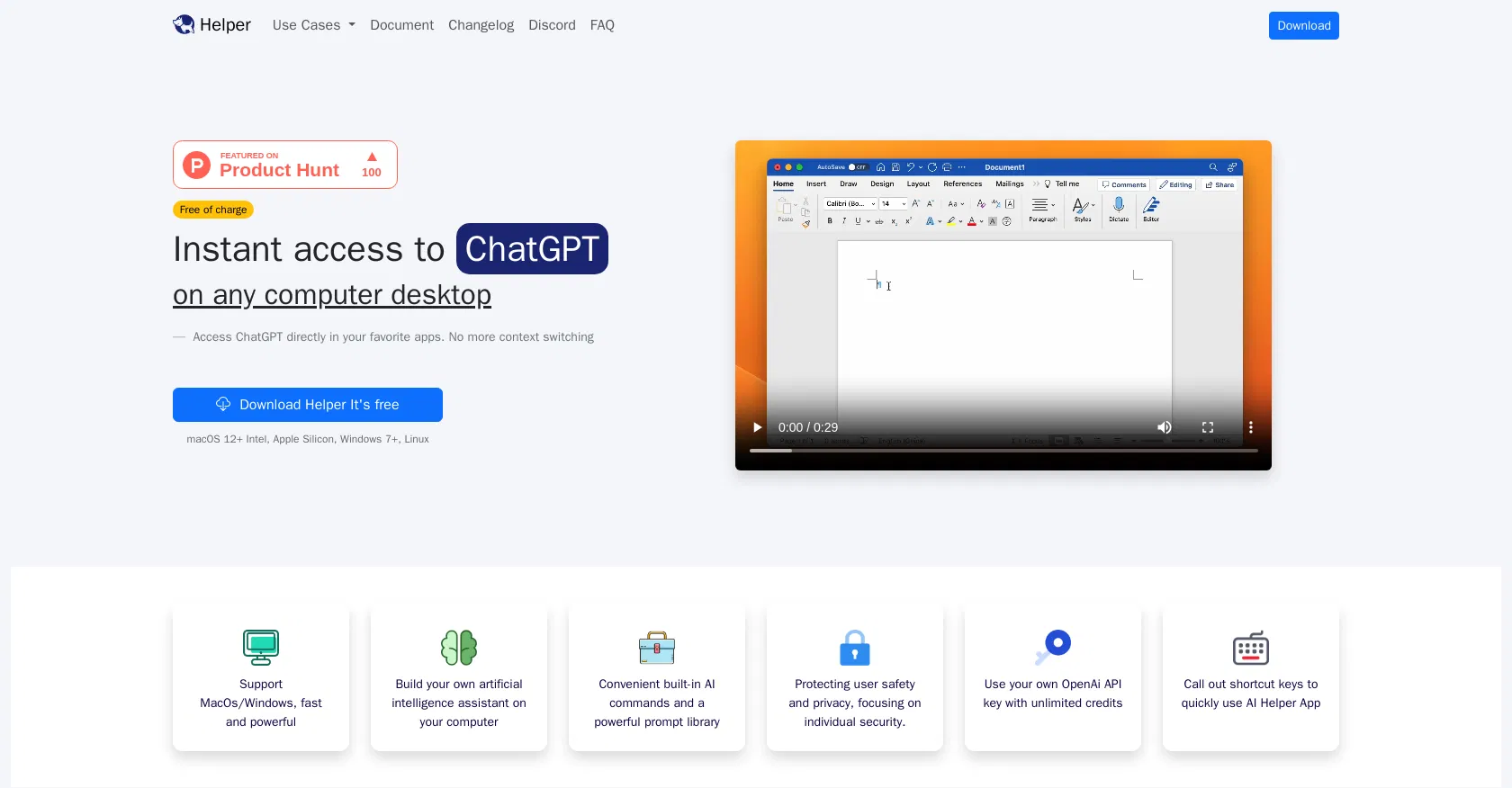
Helper is a free desktop application that serves as a dedicated client for OpenAI's ChatGPT, created to streamline AI assistance for professionals. It is specifically engineered for entrepreneurs, developers, and marketers who seek to embed conversational AI directly into their daily operational routines, eliminating the need for constant browser tab switching. The core value lies in its persistent, system-level availability, allowing users to summon AI help instantly from any other application or window, thereby significantly reducing context-switching overhead and maintaining workflow continuity.
Key features include a global hotkey to activate the assistant from anywhere on the desktop, a conversation history for reviewing past interactions, and support for multiple AI models including the latest GPT versions. It offers prompt customization and the ability to pin frequently used queries for quick access. The application also supports text formatting and code syntax highlighting, making it particularly useful for technical tasks and content creation.
What sets Helper apart is its native desktop integration and focus on minimizing distraction; it runs as a lightweight, always-available overlay rather than a full browser window. It is a cross-platform tool available for macOS, Windows, and Linux, ensuring broad accessibility. Technically, it connects directly to the official OpenAI API using the user's own API key, providing a secure and private conduit that respects user data. Its minimalist interface is designed for speed, with no complex setup or unnecessary features that could clutter the user experience.
Ideal for developers needing quick code explanations or debugging help, entrepreneurs drafting business communications or analyzing ideas, and marketers generating ad copy or content outlines. Specific use cases include writing emails without leaving the inbox window, getting instant explanations for error messages while coding, brainstorming marketing angles during research, and translating or summarizing text from any document in real-time.