WhisperClip
Transforms spoken words into perfectly formatted text instantly in any app.
Are you the owner?
Claim this tool to publish updates, news and respond to users.
Sign in to claim ownership
Sign InDescription
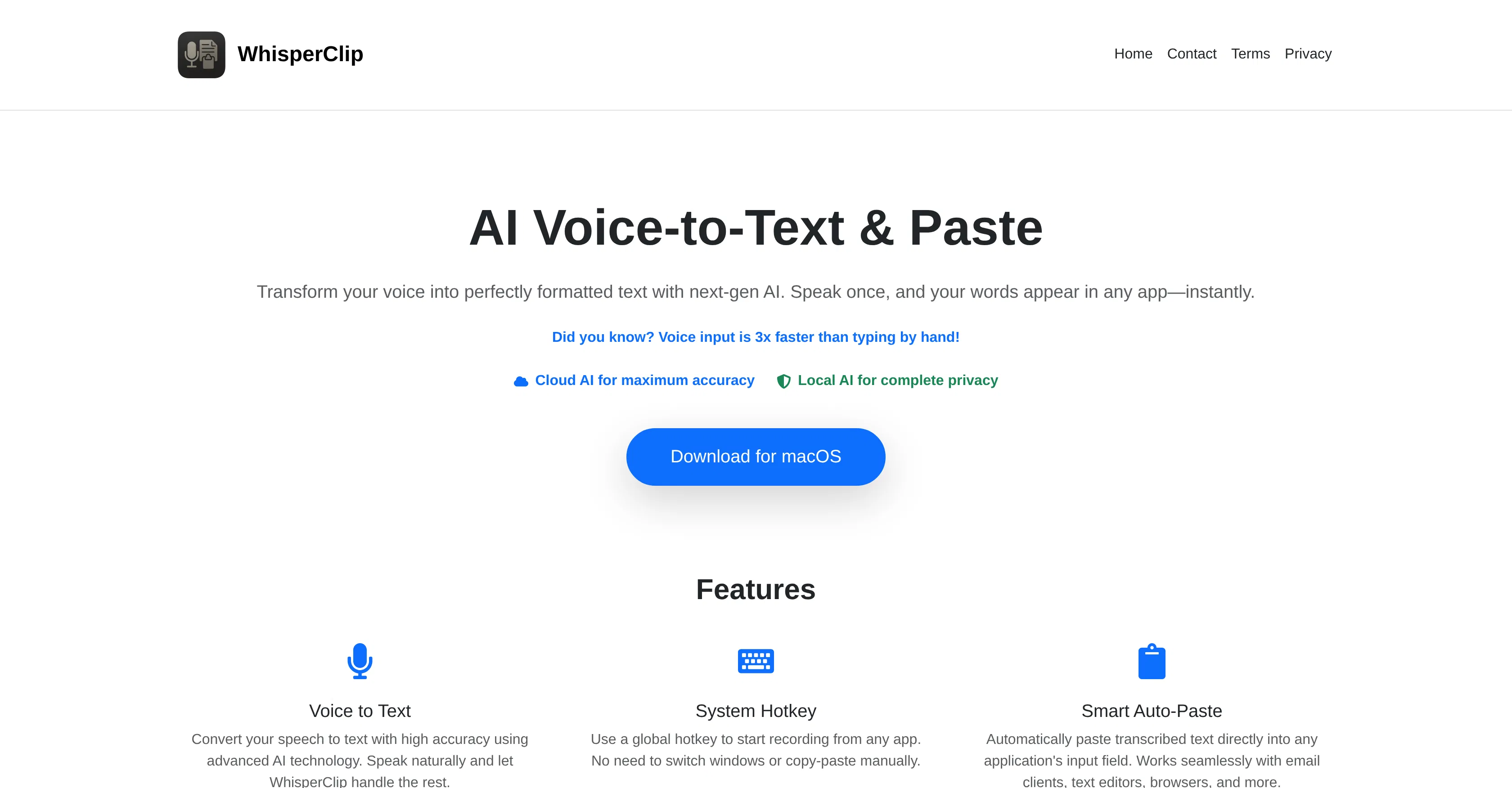
WhisperClip is a cutting-edge AI voice-to-text tool designed to streamline digital communication by instantly converting spoken language into accurately formatted written text. It eliminates the friction of typing, allowing users to speak naturally and see their words appear directly in the target application, whether it's an email client, code editor, note-taking app, or messaging platform. The core value proposition lies in its seamless integration and speed, offering a hands-free, efficient method for content creation and data entry that significantly boosts productivity and accessibility for a wide range of users.
Key features include real-time transcription with minimal latency, automatic punctuation and formatting for professional-looking text, support for multiple languages and accents to cater to a global user base, and the ability to work directly within any active window or application without manual copying and pasting. It also offers customizable voice commands for executing specific actions like sending messages or inserting code snippets, and provides a simple interface for easy editing and correction of transcribed text on the fly.
What sets WhisperClip apart is its focus on context-aware formatting and deep application integration. Unlike generic dictation software, it intelligently adapts its output formatting based on the active application—using markdown in a notes app or proper email salutations in Gmail. Technically, it leverages advanced speech recognition models for high accuracy and low latency. It operates as a lightweight desktop application for Windows and macOS, requiring minimal system resources, and is designed to work offline for privacy-sensitive tasks, with optional cloud processing for enhanced accuracy in connected environments.
Ideal for professionals who need to draft documents or emails quickly, developers seeking to comment code or write documentation via voice, students and researchers for capturing lecture notes or interview transcripts, and individuals with mobility or repetitive strain injuries who benefit from voice-based computer interaction. Specific use cases include composing long-form reports, programming with voice commands, live captioning during virtual meetings, and maintaining a conversational flow in instant messaging without switching to the keyboard.