
InstantMind
Transforms any content into visual mind maps instantly using AI.
Are you the owner?
Claim this tool to publish updates, news and respond to users.
Sign in to claim ownership
Sign InDescription
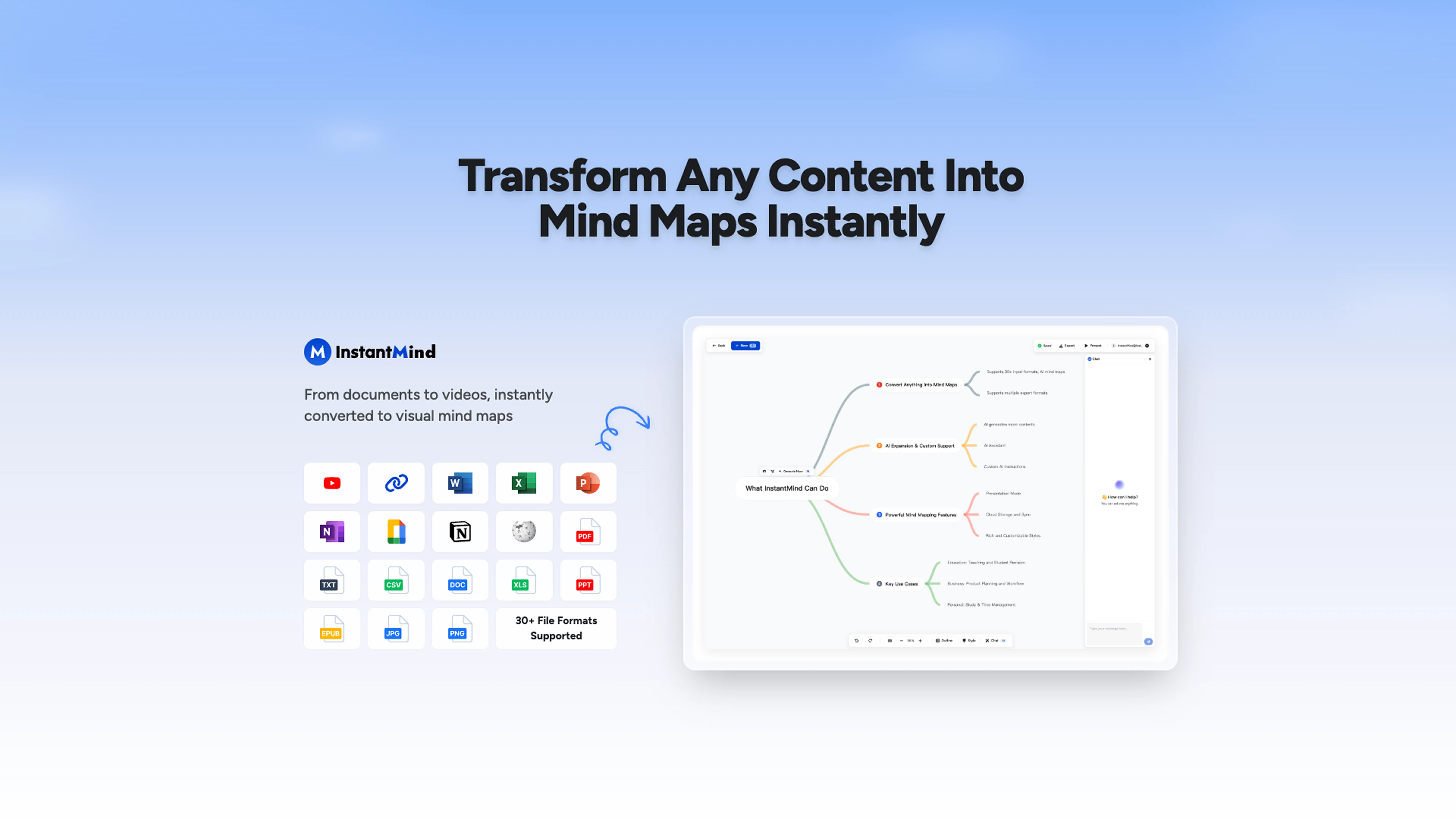
InstantMind is an AI-powered mind mapping tool developed to convert diverse content formats into structured visual diagrams in seconds. Its core value lies in dramatically accelerating the process of organizing information, extracting key insights, and presenting complex ideas visually, making it an invaluable asset for brainstorming, planning, and knowledge synthesis. The platform is designed for users who need to quickly digest and structure information from various sources without manual mapping.
Key features include universal content support, allowing users to drop in PDFs, Word documents, Excel sheets, PowerPoint presentations, images, and YouTube links for automatic processing. The AI engine analyzes the uploaded material, identifies central themes, relationships, and key points to construct a coherent mind map. Users can then edit, customize, and expand these AI-generated maps with different styles, colors, and branches. The tool also supports real-time collaboration, enabling teams to work on maps simultaneously and export the final diagrams in multiple formats for presentations or reports.
What sets InstantMind apart is its focus on universal input and instant transformation, distinguishing it from tools that require manual node creation or only work with text. Technically, it leverages advanced natural language processing and computer vision models to understand and deconstruct varied content types. It operates as a web application, ensuring accessibility from any modern browser without mandatory software installation. While specific API details or third-party integrations are not explicitly listed, its core functionality is built around seamless import from common file and media sources.
Ideal for students, researchers, project managers, and content creators who regularly work with dense information. Specific use cases include analyzing research papers, summarizing meeting notes from documents, planning projects based on requirement specs, creating study guides from textbooks, and visualizing the narrative flow of presentations or videos for better comprehension and communication.