Mindmap
Creates visual mind maps to organize ideas and enhance learning or professional planning.
Are you the owner?
Claim this tool to publish updates, news and respond to users.
Sign in to claim ownership
Sign InDescription
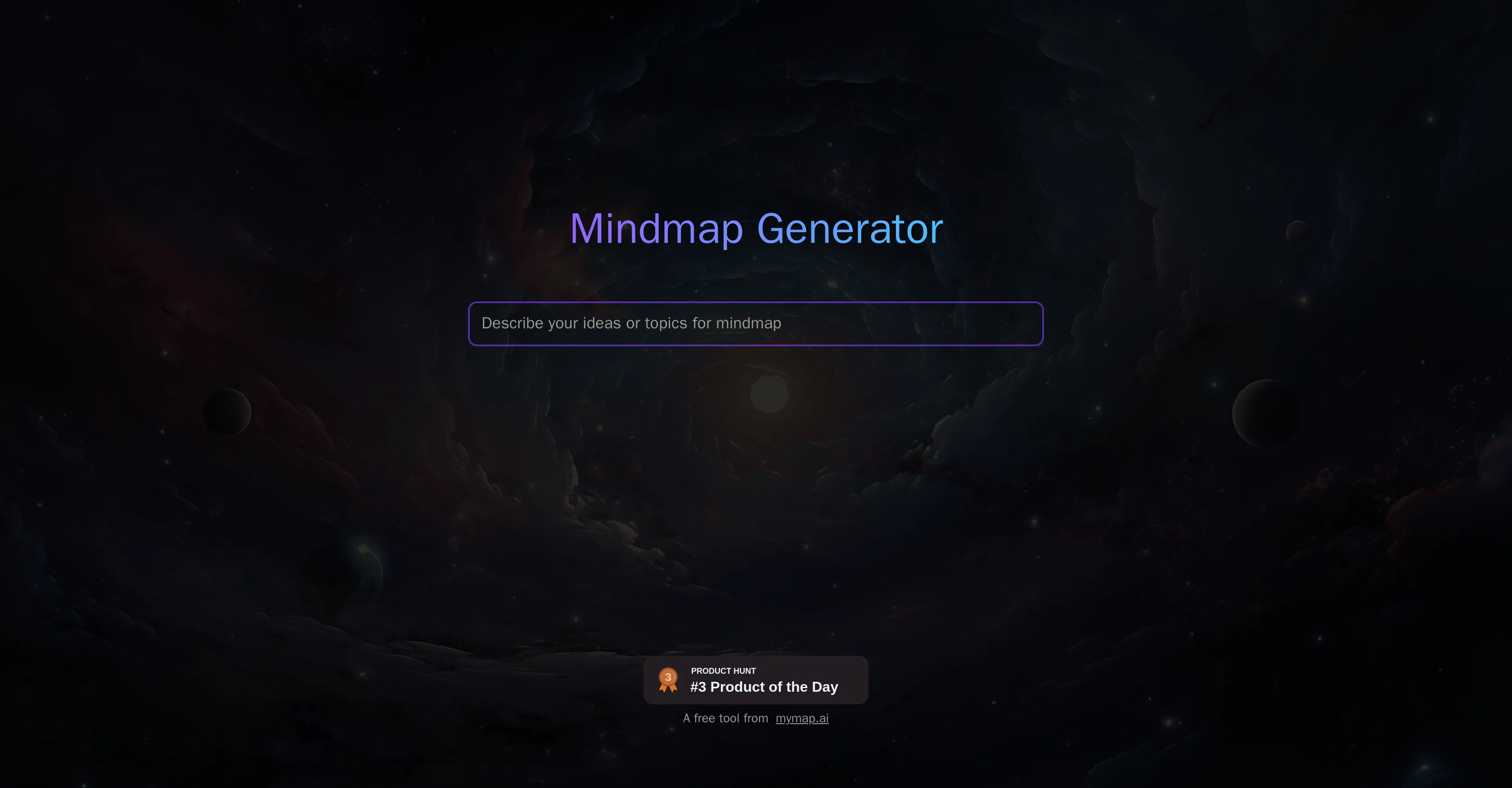
MyMap Free Mindmap Tool is a user-friendly application designed to help learners and professionals visually structure their thoughts and information. Developed with a focus on simplicity and efficiency, its primary value lies in transforming complex ideas or project plans into clear, hierarchical diagrams, thereby improving comprehension, memory retention, and collaborative planning. The tool serves as a digital canvas for brainstorming and organizing concepts in a non-linear, intuitive format.
Key features include the ability to create central nodes and expand them with unlimited branches, add text notes and hyperlinks to individual elements, and customize the map's appearance with different colors, shapes, and connection lines. Users can drag and drop nodes to easily restructure their maps, collapse or expand branches to focus on specific sections, and export their finished mind maps in common formats for sharing or integration into other documents. The interface is designed for quick navigation and immediate productivity without a steep learning curve.
What sets MyMap apart is its dedicated focus on a clutter-free, straightforward user experience, avoiding the feature bloat common in more complex diagramming software. It operates as a web-based application, ensuring accessibility from any modern browser without the need for downloads or installations, though this also means an internet connection is required for use. While it may not have deep integrations with third-party project management suites, its export functionality allows the maps to be used across various platforms. The technical implementation prioritizes speed and responsiveness, enabling real-time editing and smooth visual manipulation of large maps.
Ideal for students, educators, individual contributors, and project managers who need to outline essays, plan presentations, structure research, or brainstorm project phases. Specific use cases include preparing for exams by mapping out subject relationships, drafting article or report structures, organizing meeting agendas, and initial planning for software features or marketing campaigns. It is particularly valuable for visual thinkers and anyone seeking to move from disorganized notes to a coherent, actionable visual plan.