
Rubberduck
Generates code, explains code, writes tests, and debugs using AI directly within Visual Studio Code.
Are you the owner?
Claim this tool to publish updates, news and respond to users.
Sign in to claim ownership
Sign InDescription
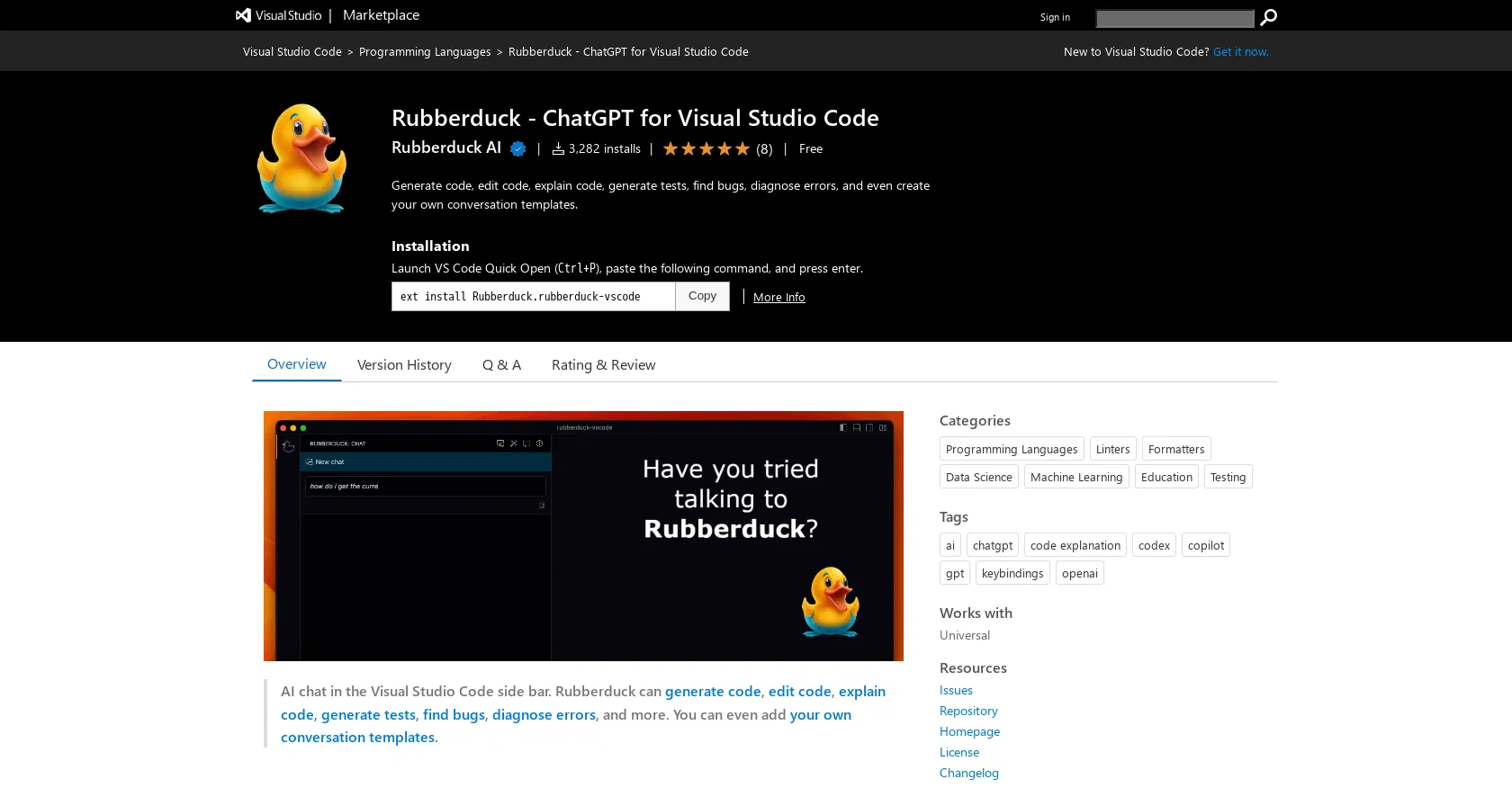
Rubberduck is a Visual Studio Code extension created by the Rubberduck team to accelerate and improve the accuracy of software development. It integrates advanced AI capabilities directly into the developer's coding environment, allowing for real-time assistance without needing to switch contexts. Its primary value lies in transforming the IDE into an intelligent pair programmer that can understand, create, and refine code on demand, significantly boosting productivity and reducing cognitive load during complex tasks.
Key features: The extension can generate new code snippets or entire functions based on natural language comments or prompts. It provides detailed explanations for existing, potentially complex code blocks to aid understanding. It automatically generates unit tests for selected functions to improve code coverage and reliability. It assists in debugging by identifying potential bugs, diagnosing runtime errors from stack traces, and suggesting fixes. Additionally, it allows users to create and save custom conversation templates for recurring queries, streamlining common workflows.
What makes it unique is its deep, seamless integration specifically for Visual Studio Code, operating as a native extension rather than a separate tool. Technically, it acts as a client for the OpenAI API, meaning users must provide their own API key, which offers flexibility in choosing underlying models and managing costs. This setup ensures that code and prompts are processed securely through the user's own configured API endpoint. The tool is designed to be lightweight and responsive, focusing on core development tasks without unnecessary bloat, and it supports a wide range of programming languages understood by the connected AI model.
Ideal for software developers, engineering students, and tech leads working within the Visual Studio Code ecosystem who seek to code faster and with fewer errors. Specific use cases include rapidly prototyping new features by describing them in plain English, understanding unfamiliar legacy codebases during onboarding, ensuring code quality through automated test generation, and debugging stubborn issues with AI-powered insights. It is particularly valuable for solo developers who want an intelligent assistant or teams looking to standardize and speed up their development cycles.