Scribe AI
Integrates ChatGPT and GPT directly into Visual Studio Code to assist with coding tasks and automate development workflows.
Are you the owner?
Claim this tool to publish updates, news and respond to users.
Sign in to claim ownership
Sign InDescription
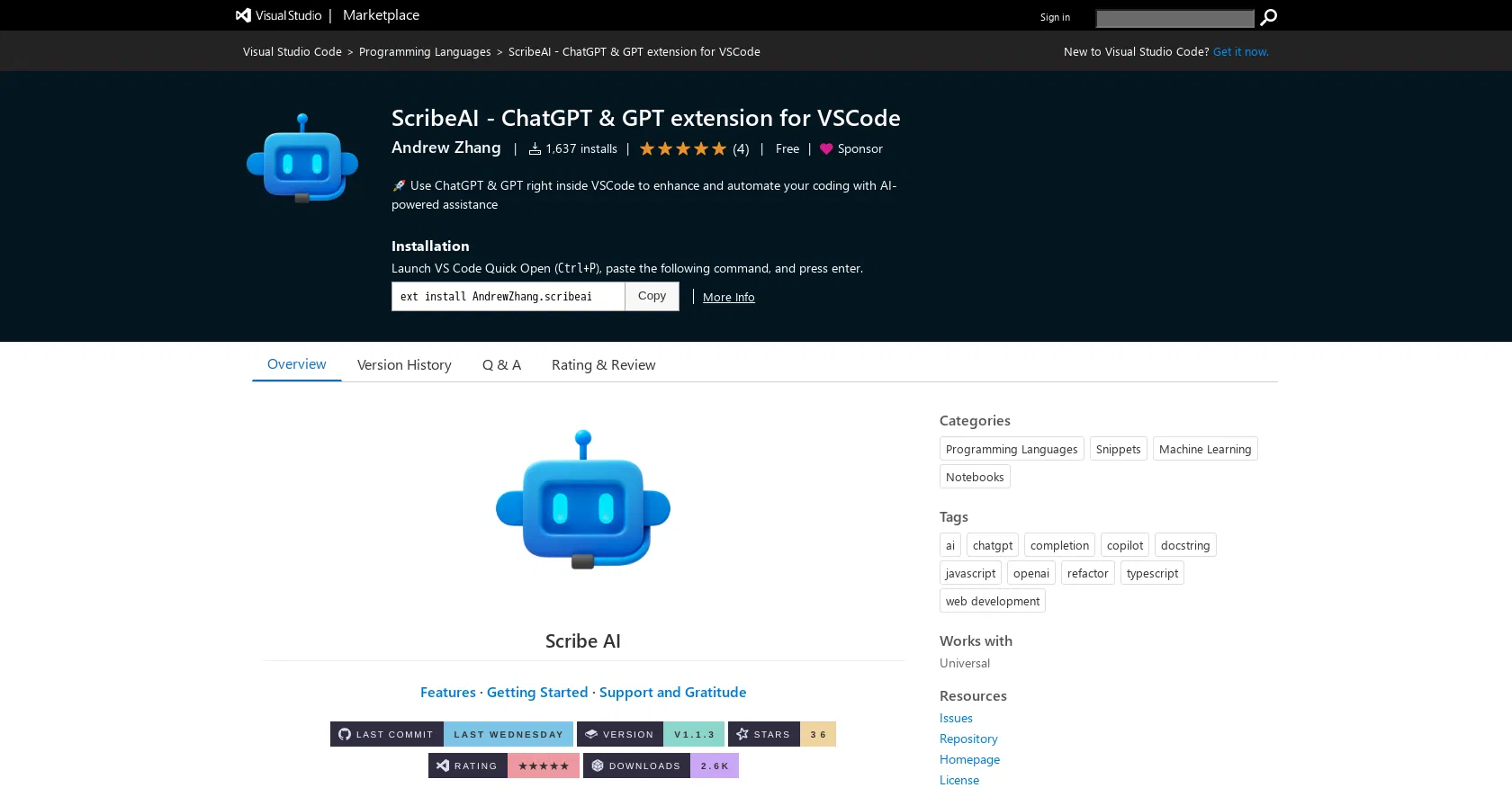
Scribe AI is a Visual Studio Code extension developed by Andrew Zhang that brings the power of OpenAI's language models directly into the developer's integrated development environment (IDE). Its primary value lies in providing immediate, context-aware AI assistance without needing to switch between the code editor and external browser tabs or applications, thereby streamlining the coding process and boosting productivity for programmers of all levels.
Key features: The extension allows developers to generate code snippets, functions, or entire modules based on natural language descriptions. It can explain complex, unfamiliar code sections in plain English, helping with understanding legacy systems or new libraries. Users can refactor existing code for better performance, readability, or adherence to standards. It assists in writing documentation and comments directly within the codebase. The tool can also debug by suggesting fixes for errors and identifying potential logical flaws. Furthermore, it supports code translation between different programming languages and can answer general programming questions within the editor's interface.
What makes Scribe AI unique is its deep integration as a native VS Code sidebar panel, offering a seamless experience that feels like a built-in feature rather than a disconnected plugin. It connects directly to the OpenAI API, allowing users to leverage either ChatGPT or the raw GPT models. The extension is technically lightweight, focusing on providing a clean interface for prompts and responses while maintaining access to the full conversation history within the coding session. It is exclusively available on the Visual Studio Code marketplace and operates entirely within that ecosystem, requiring an active internet connection and user-provided OpenAI API key for full functionality beyond any free tier limits.
Ideal for software developers, engineers, and students who use Visual Studio Code and seek to accelerate coding, learning, and problem-solving. Specific use cases include rapidly prototyping new features, deciphering complex algorithms in a code review, automating the writing of boilerplate code and unit tests, learning a new programming language or framework through interactive Q&A, and improving code quality through AI-suggested optimizations and best practices during daily development work.