
SlideNotes
Automatically converts slide presentations into written notes for easy review and sharing.
Are you the owner?
Claim this tool to publish updates, news and respond to users.
Sign in to claim ownership
Sign InDescription
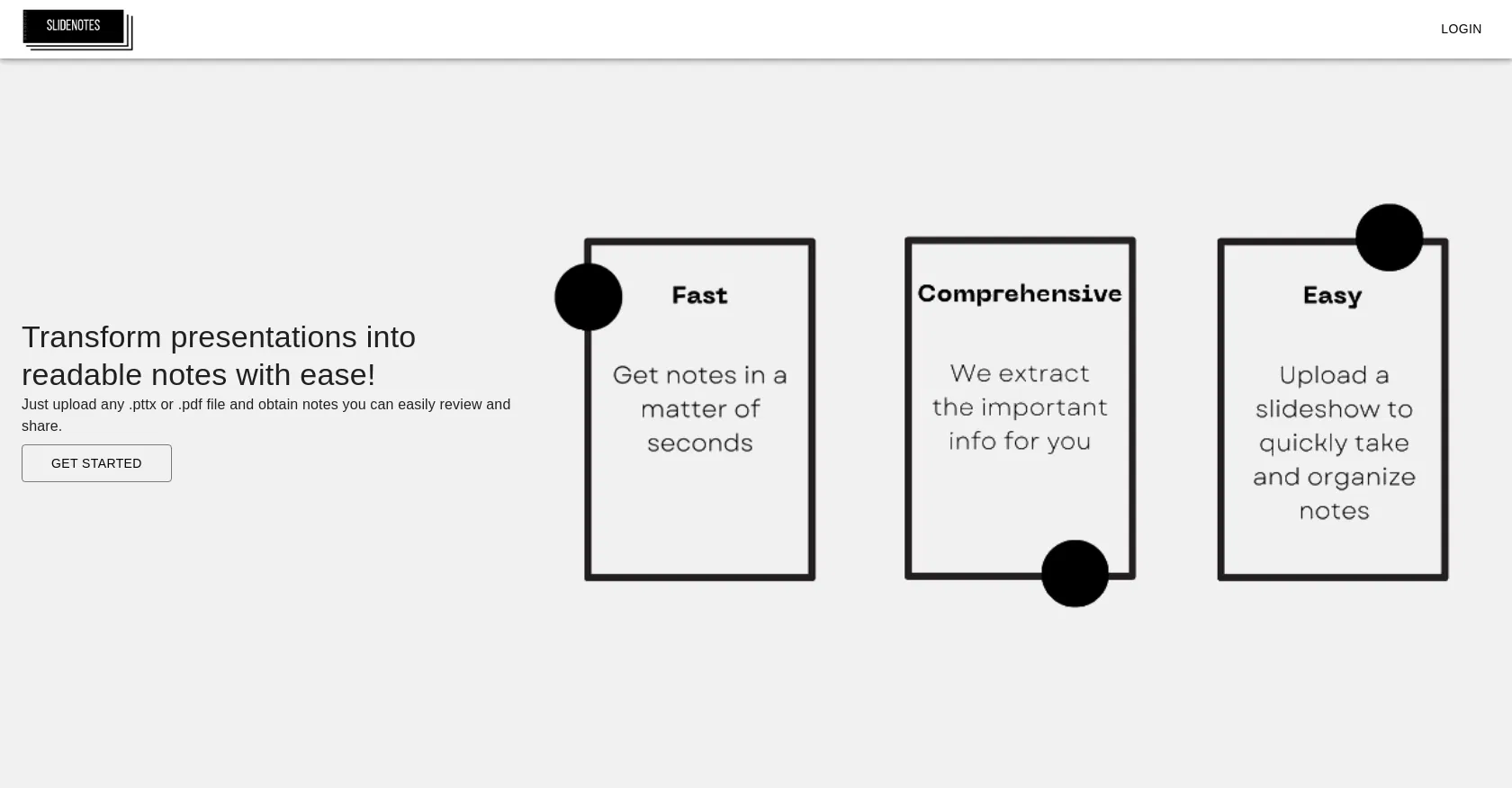
SlideNotes is an AI-powered tool designed to automatically transform slide presentations from PowerPoint or PDF files into structured, written notes. Created to streamline information digestion, its core value lies in saving users significant time and effort by extracting the key textual content from slides, eliminating the need for manual note-taking during or after presentations. This tool is particularly beneficial for students, professionals, and educators who regularly engage with slide decks and need concise, readable summaries for study, reference, or distribution.
Key features include the ability to upload common presentation formats like PPTX and PDF, after which the AI processes each slide to generate coherent text notes. It identifies and extracts titles, bullet points, and body text while attempting to preserve the logical flow of the presentation. The generated notes can be reviewed directly within the platform, edited for clarity, and then easily exported or shared with others, facilitating collaborative review and knowledge retention without requiring access to the original slide file.
What sets SlideNotes apart is its focused simplicity and automation for a very specific task—converting visual slides to text—without overcomplicating the interface with extraneous features. It operates as a web-based platform, requiring no software installation, and processes files securely in the cloud. The underlying technology likely involves optical character recognition (OCR) for PDFs and direct text parsing for PowerPoint files, combined with natural language processing to structure the output coherently. While it may not handle complex diagrams or images with embedded text perfectly, it excels at processing standard text-heavy slides, making it a reliable utility for its intended purpose.
Ideal for students who want to create study guides from lecture slides, professionals who need to quickly generate meeting minutes or executive summaries from business presentations, and educators or trainers looking to provide text-based materials alongside their visual decks. Specific use cases include preparing for exams by having all course slides in note format, archiving conference presentations in a searchable text document, and sharing key takeaways from a team briefing with colleagues who could not attend, thereby enhancing accessibility and productivity in academic and corporate environments.