WriteVoice
Converts speech to text in real-time for fast, private dictation across various applications.
Are you the owner?
Claim this tool to publish updates, news and respond to users.
Sign in to claim ownership
Sign InDescription
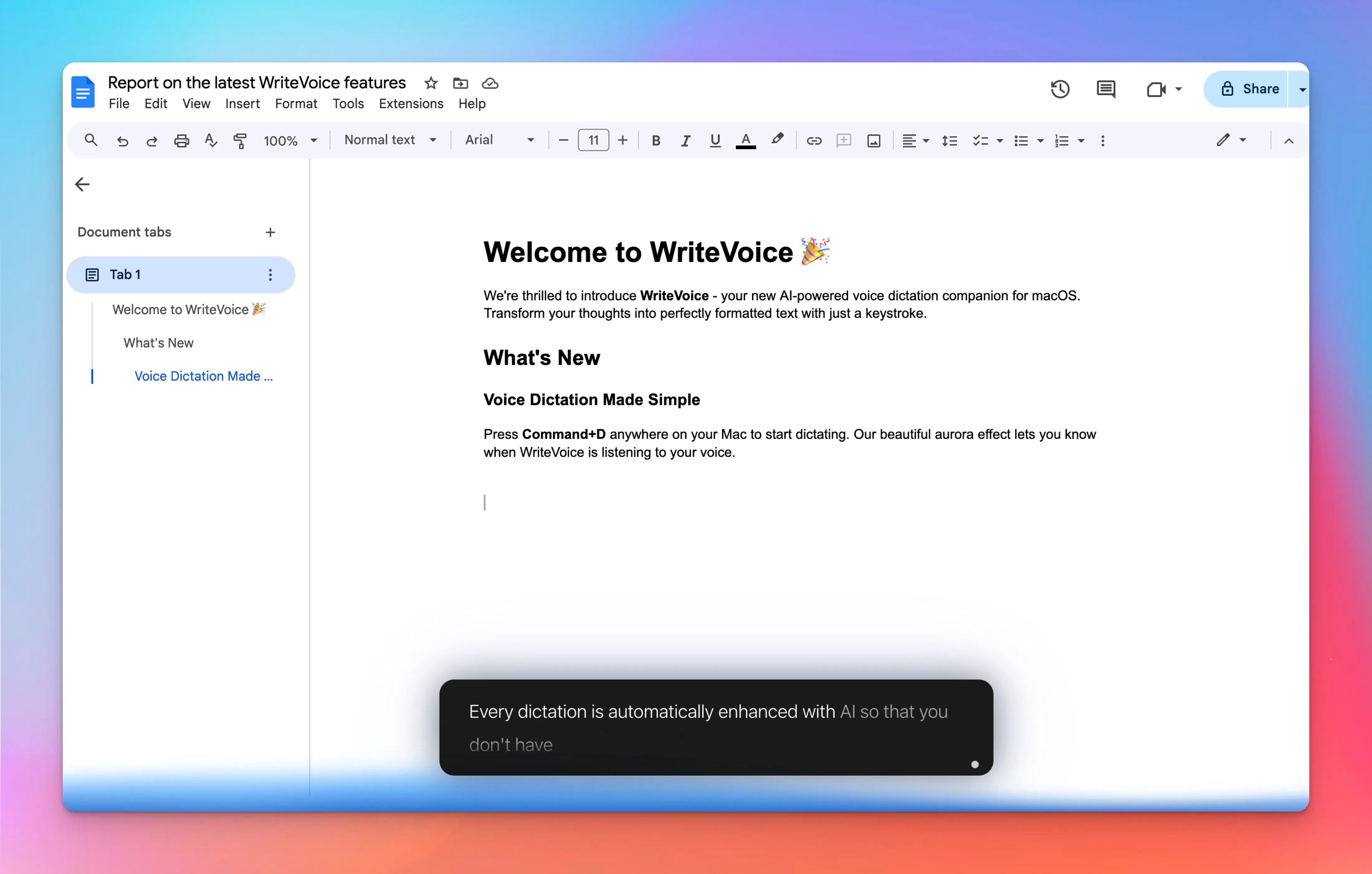
WriteVoice is an AI-powered speech-to-text tool developed to replace traditional typing with efficient, accurate, and private voice dictation. It allows users to speak naturally and see their words transcribed instantly into any application, eliminating the need for prolonged keyboard use. The primary value lies in its ability to dramatically increase writing speed and reduce physical strain, making content creation and communication more fluid and accessible. It is designed with a focus on privacy, ensuring that voice data is processed securely.
Key features include real-time transcription that displays text as you speak, high accuracy powered by advanced AI models, and seamless integration with popular productivity apps. Users can dictate into email clients like Gmail, project management tools such as Jira and Notion, communication platforms like Slack, and even code editors. The tool supports multiple languages and accents, offers punctuation commands via voice, and allows for easy editing of transcribed text directly within the interface. It also provides offline functionality for enhanced privacy and reliability.
What sets WriteVoice apart is its deep integration capability, working directly within the user's existing workflow without requiring constant app switching or copy-pasting. Technically, it utilizes state-of-the-art speech recognition models optimized for low latency and high precision, even in noisy environments. It is available as a desktop application for Windows and macOS, with a web version for browser-based use. The tool operates with minimal system resources and emphasizes local processing options to keep sensitive audio data private, distinguishing it from cloud-only competitors.
Ideal for professionals who need to produce large volumes of text quickly, such as writers, journalists, students, and developers documenting code. It is equally valuable for individuals with repetitive strain injuries or disabilities that make typing difficult, providing an alternative input method. Specific use cases include drafting reports and emails, taking meeting notes, writing documentation, composing social media posts, and even programming by voice command in supported IDEs, thereby boosting overall productivity and inclusivity in digital workspaces.