DevLensPro
Automatically finds and fixes code errors through browser UI element inspection.
Are you the owner?
Claim this tool to publish updates, news and respond to users.
Sign in to claim ownership
Sign InDescription
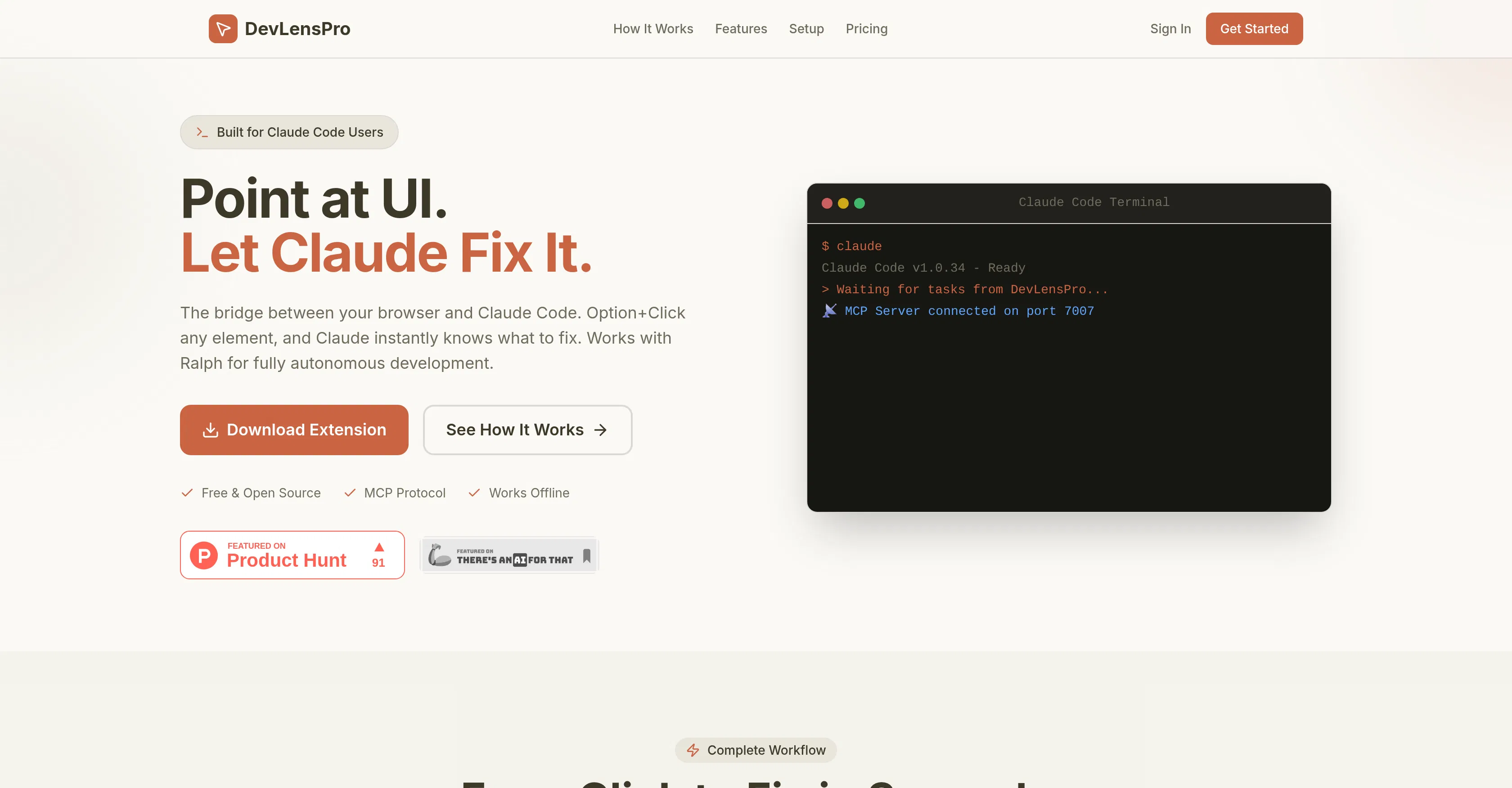
DevLensPro is an automated code debugging tool designed to simplify the process of finding and fixing errors. It serves as a bridge between the developer's web browser and the Claude Code editor, allowing instant navigation from the application interface to problematic sections of source code. The main value of the tool lies in drastically reducing the time developers spend on routine debugging, especially when working on frontend projects where the connection between a visual element and its code may not be obvious.
Key features include: interactive inspection of any UI element on a web page with a simple click, automatic identification of errors in the codebase related to that element, intelligent suggestions of ready-made fixes for detected issues, and direct integration with popular code editors for instant patch application. The tool also provides detailed logs and stack traces, helping to understand the root cause of a bug.
A distinctive feature of DevLensPro is its unique operating mechanism, which requires no manual breakpoint setting or complex environment configuration. Technically, it functions as a browser extension that interacts with the page's own debugging API and synchronizes with a local or cloud development environment. It supports integrations with major JavaScript runtimes, frameworks like React and Vue, and can work alongside various CI/CD pipelines for automated build verification.
It is ideally suited for frontend developers, full-stack engineers, and QA engineers who daily face the need for rapid debugging of web interfaces. The tool is indispensable in scenarios requiring quick fixes for critical production bugs, refactoring large legacy projects with poor documentation, or training newcomers by visually demonstrating the connection between interface and code. It is also useful in team environments where standardizing the debugging process accelerates the overall development cycle.